
Home / User manual
Help center

KaigoGest user manual and help center

Explore every module in one guide, with examples and real screenshots from the application.

Availability may differ for subscriptions with earlier permissions or a custom plan. Your user permissions also apply.

01

Getting started

Initial setup and basics to get started with KaigoGest.

Get started with KaigoGest

Available from Esencial

What to set up when you start and how information is organized within your space.

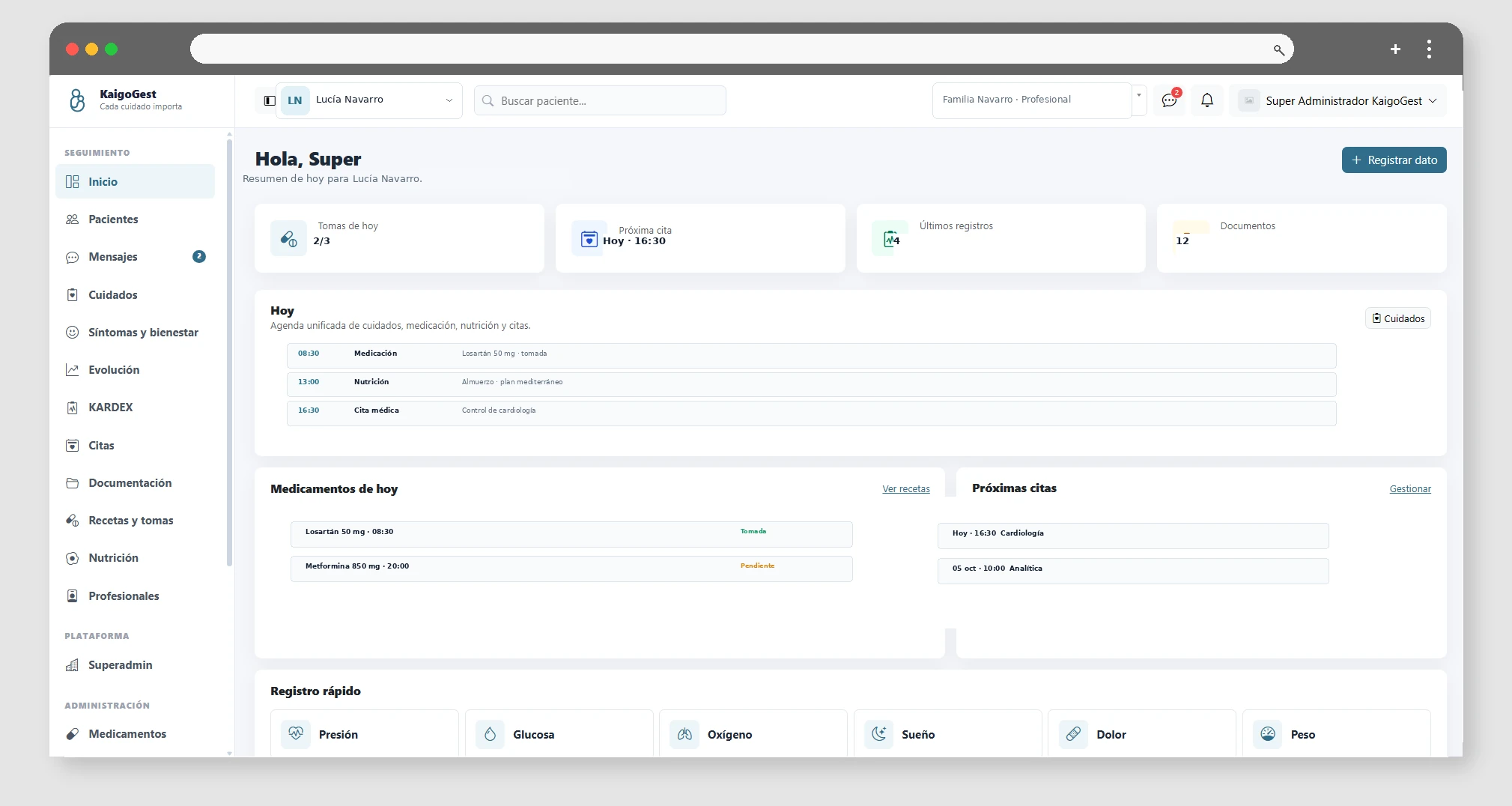
KaigoGest Organize information by tenants, users, and patients. After discharge, first review users and roles, create or complete patients, and select the active patient when you go to record clinical information.

From the dashboard you can access patients, Kardex, appointments, medication, nutrition, documents, messaging and notifications. Each user will see only the modules allowed by their role.

Before you start, it's a good idea to also review your profile, notification preferences, and if you're using it, the integration with Google Calendar.
02

Patients and daily care

Profiles, Kardex, constants, care plans, symptoms and well-being monitoring.

Create and manage patients

Available from Esencial

Registration, editing, access and selection of the patient with whom you are going to work.

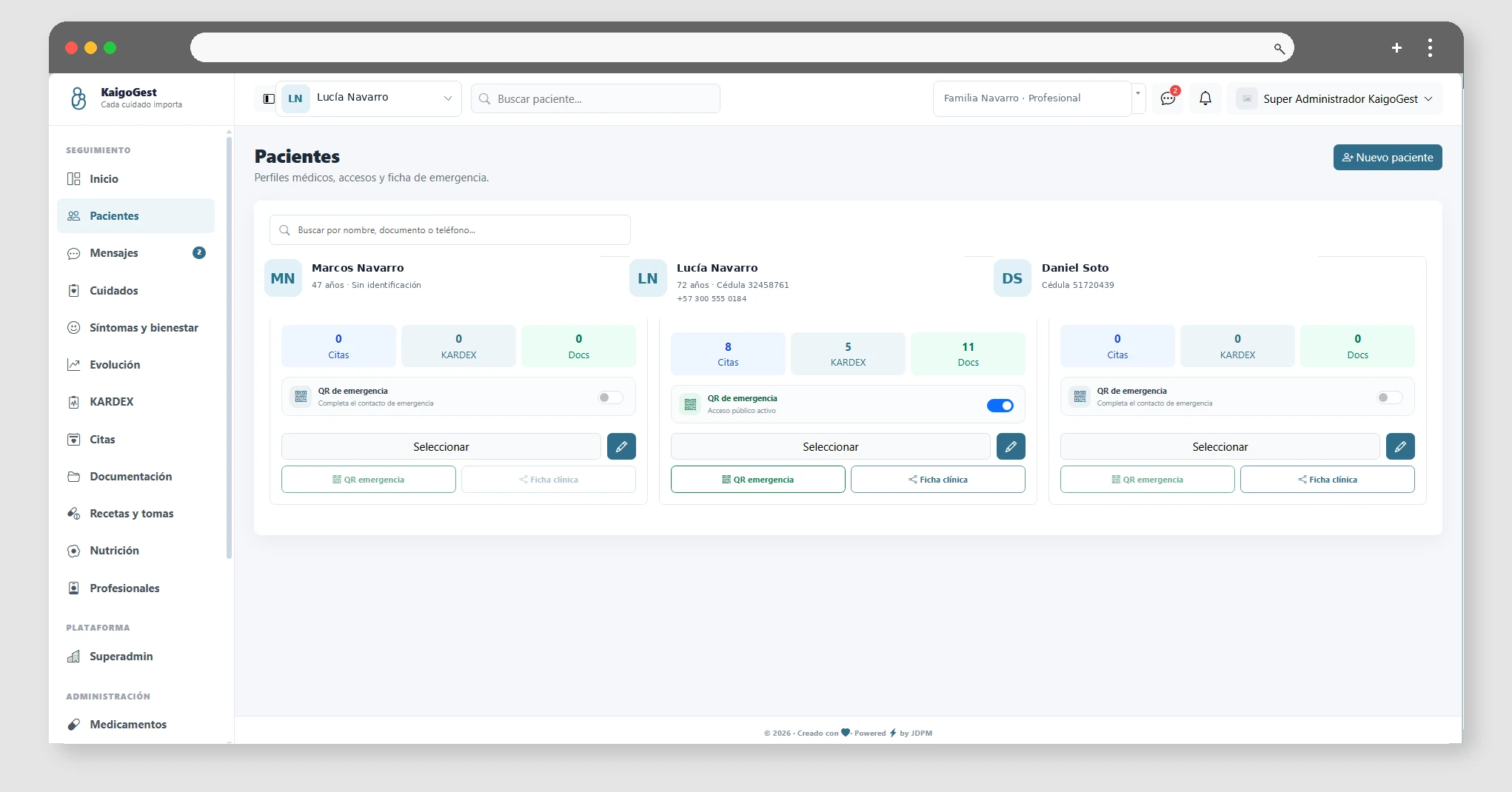
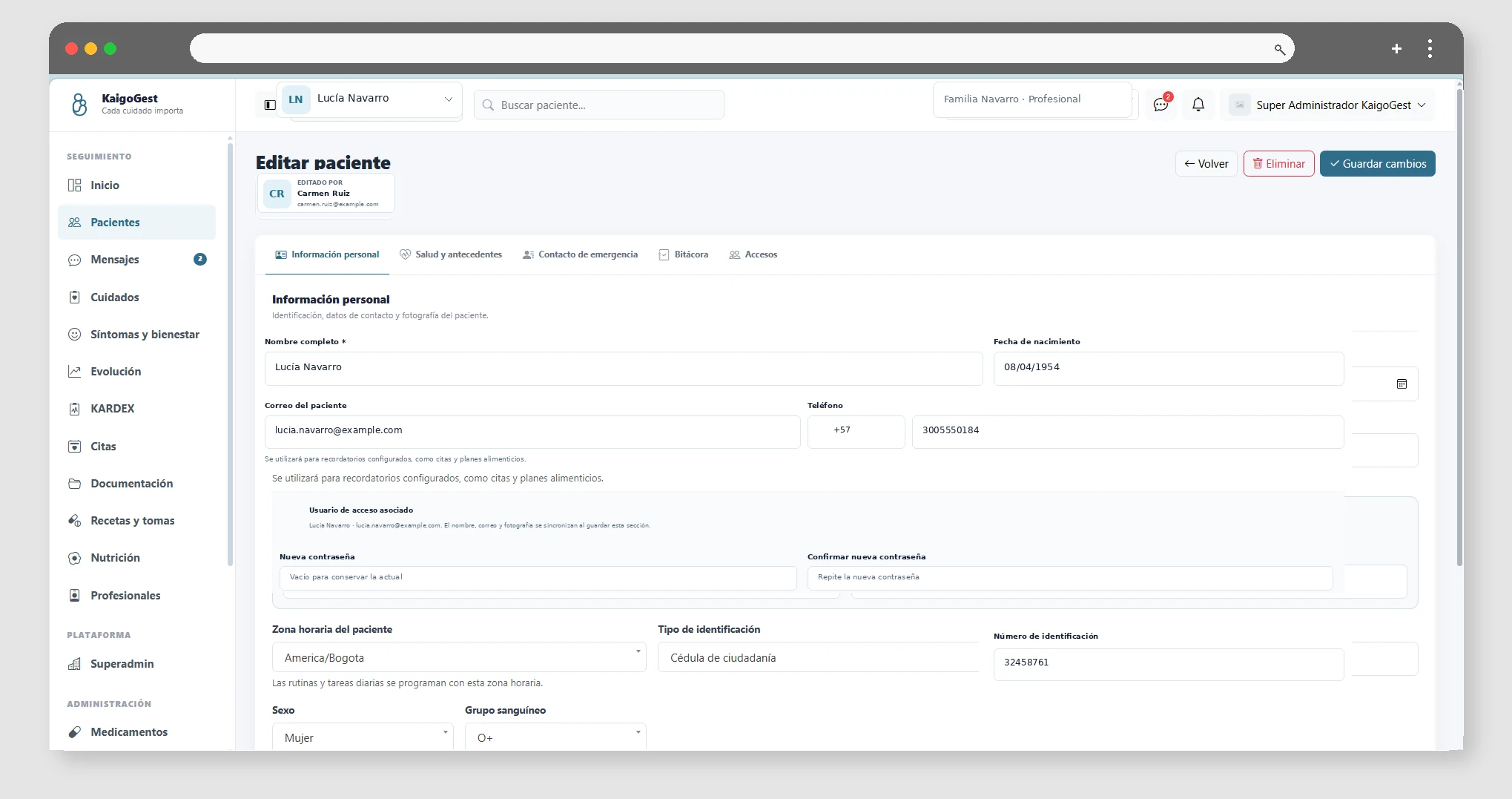
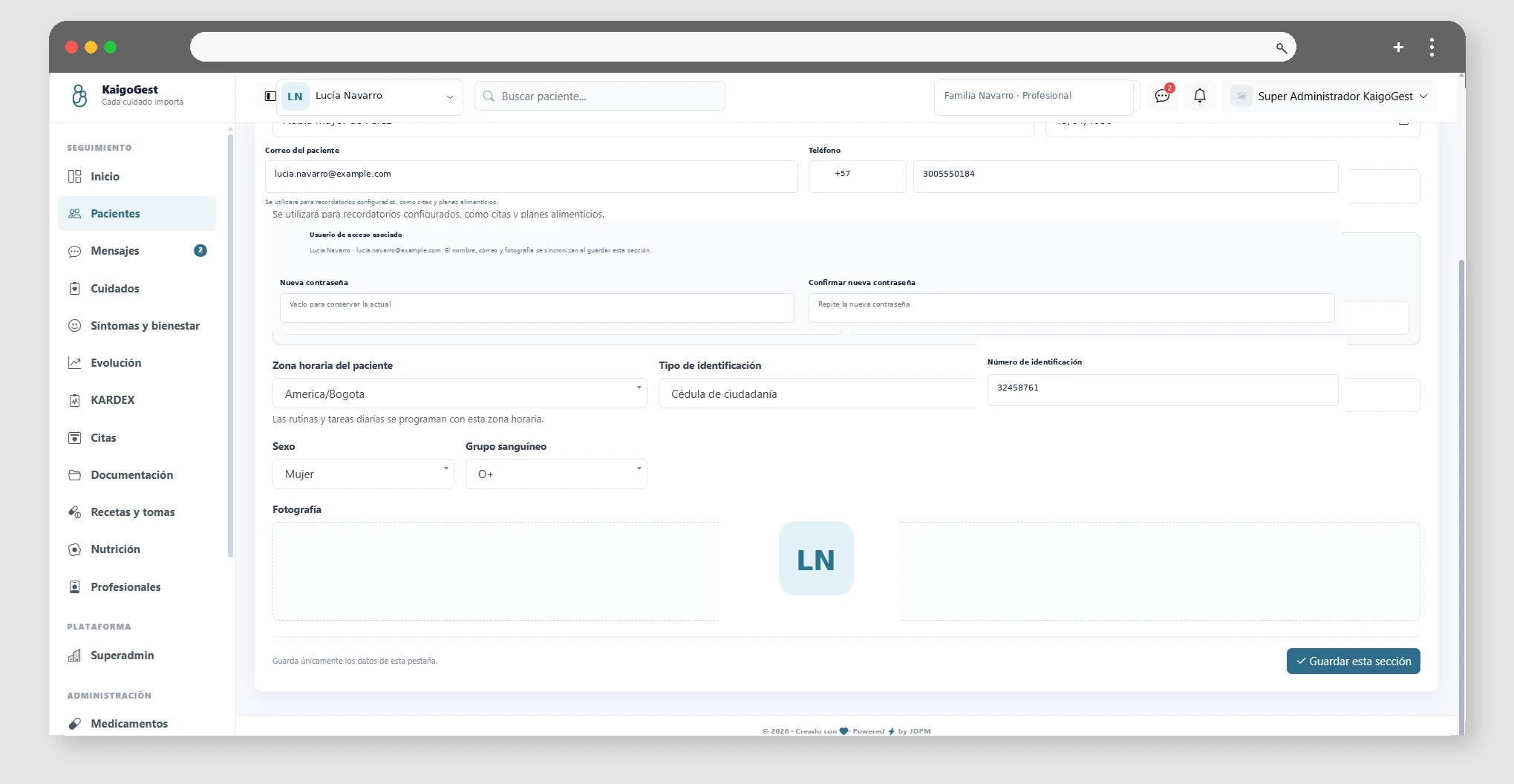
In Patients you can create a new profile with their personal and contact details. The system applies the limit of patients of the contracted plan and will not allow new registrations when the quota is reached.

From the file you can edit the information, control access of other users, record activities and activate functions such as the shared clinical file or the emergency QR.

When working with multiple patients, use the active patient selector to have Kardex, medication, appointments, and other modules displayed in the correct context.

Kardex and Constant Recording

Available from Profesional

How to record and consult pressure, glucose, weight and other types of constants.

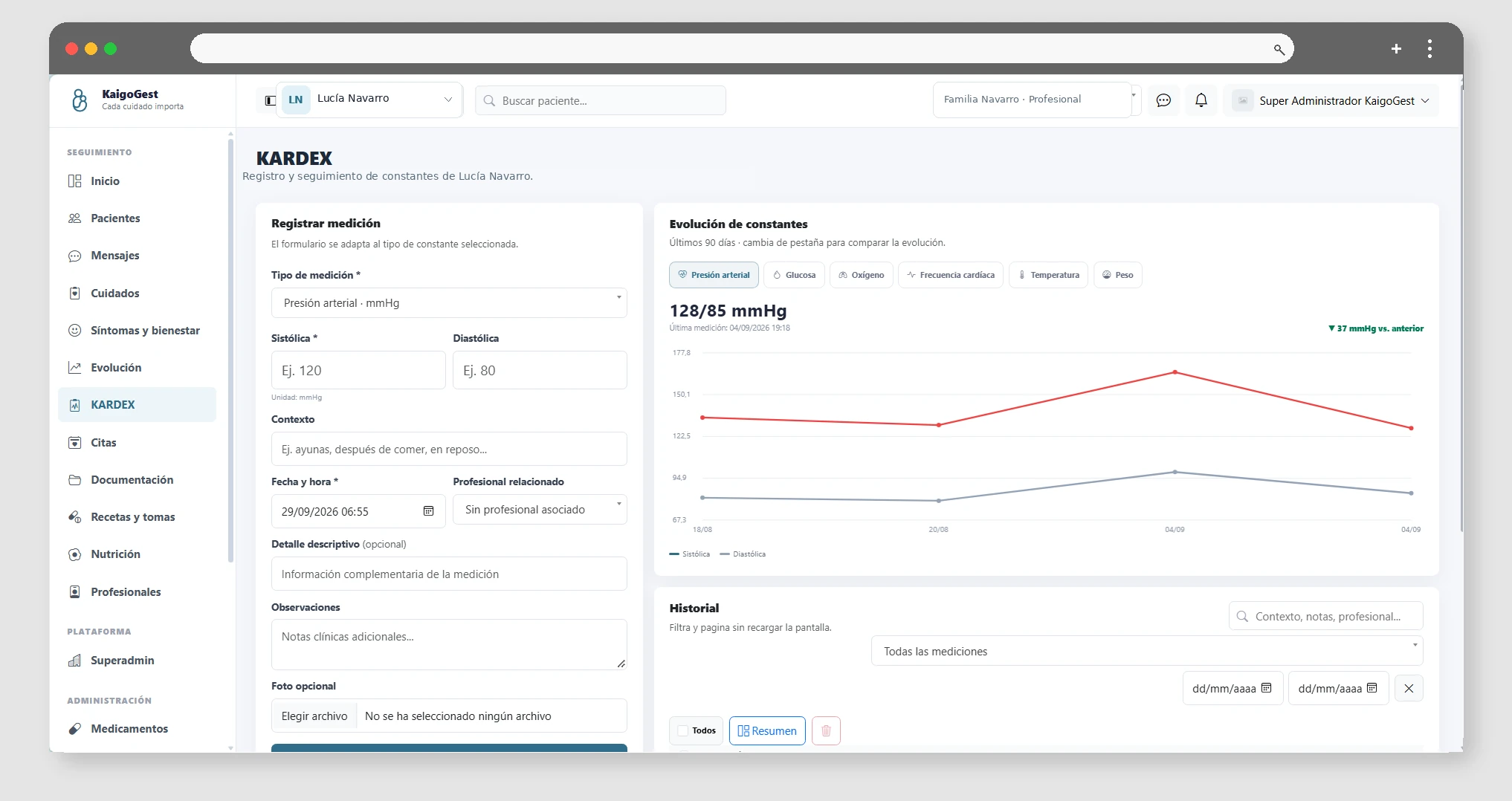
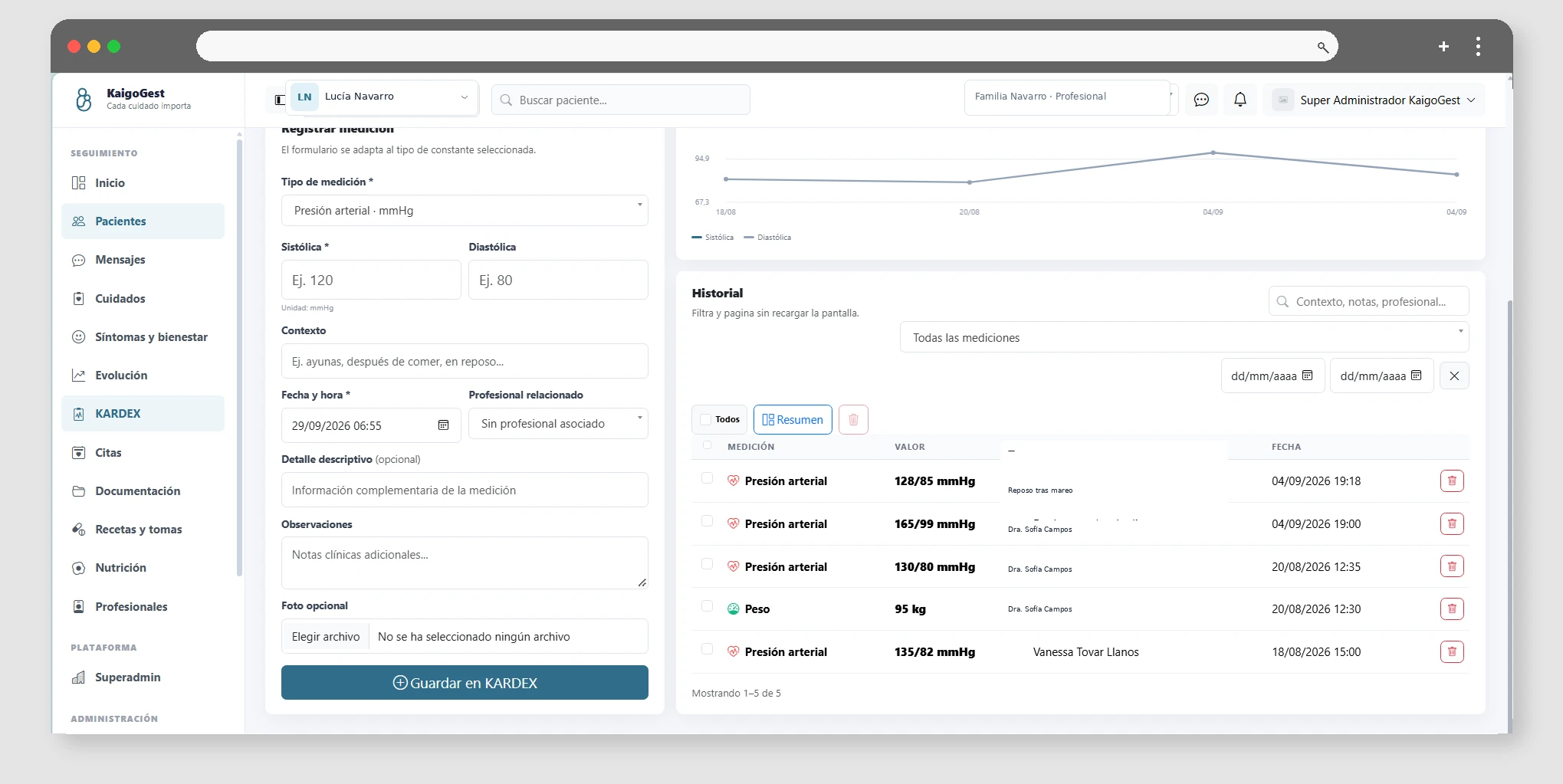
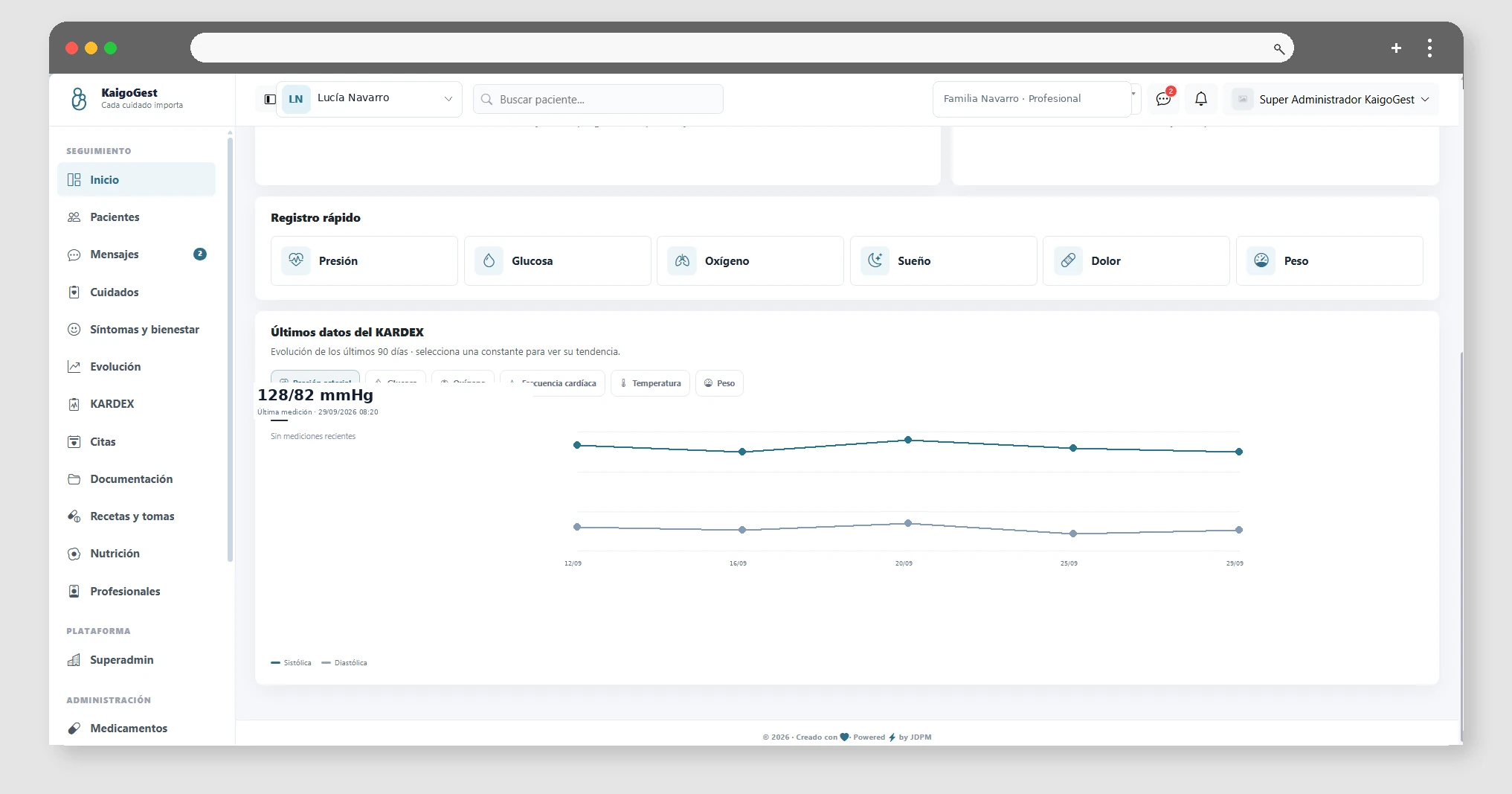
The KARDEX module centralizes the patient's constants. You can record readings using the configured typologies, such as blood pressure, heart rate, glucose, oxygen, temperature, weight, pain or sleep.

Each reading is associated with the patient and their date. Notes allow context to be added when a measurement requires additional explanation.

The available typologies are managed from the tenant's administrative catalogs.

Care plans, goals, and routines

Available from Familia

Organize goals, routines, recurring tasks, and incidents within each patient's active plan.

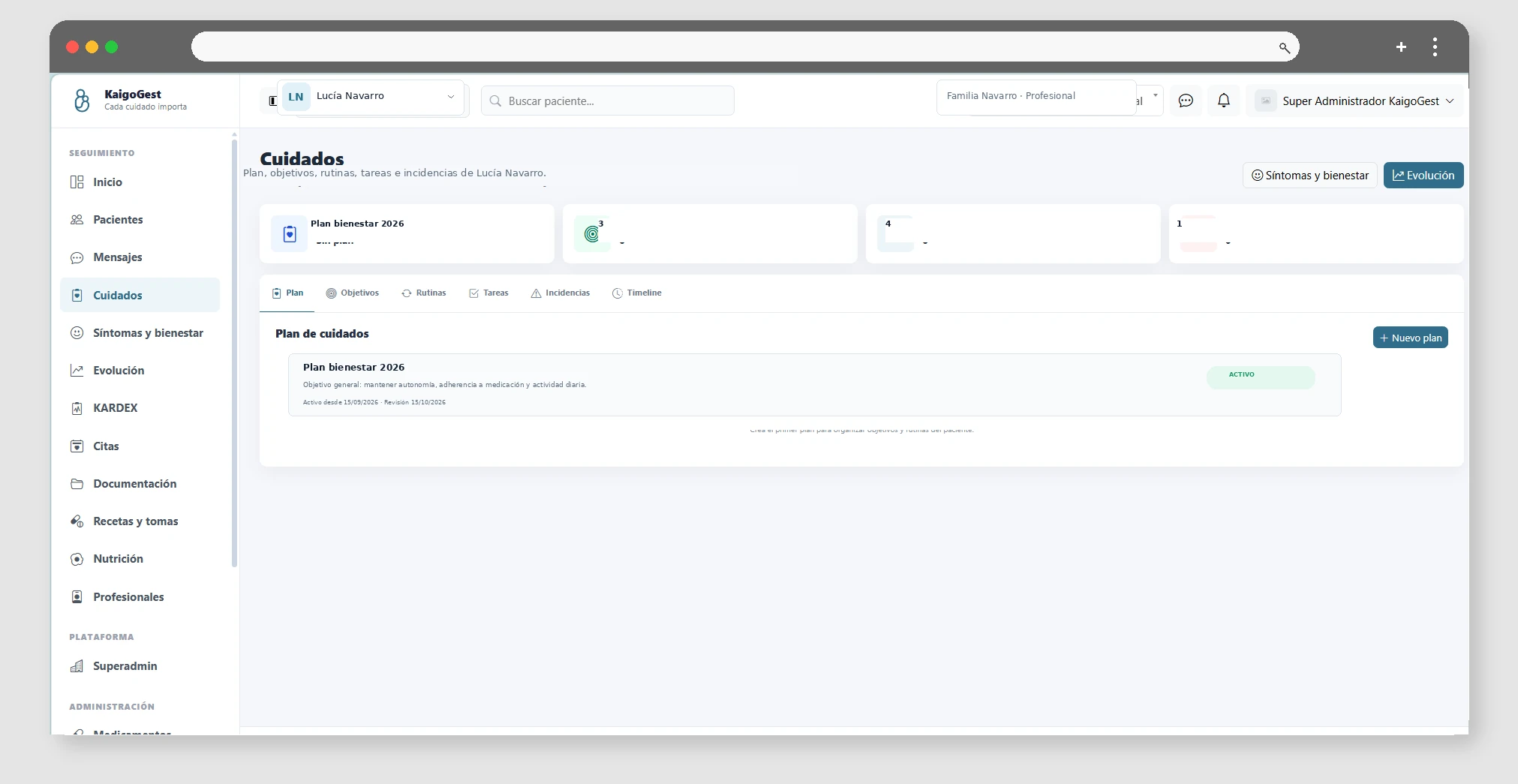
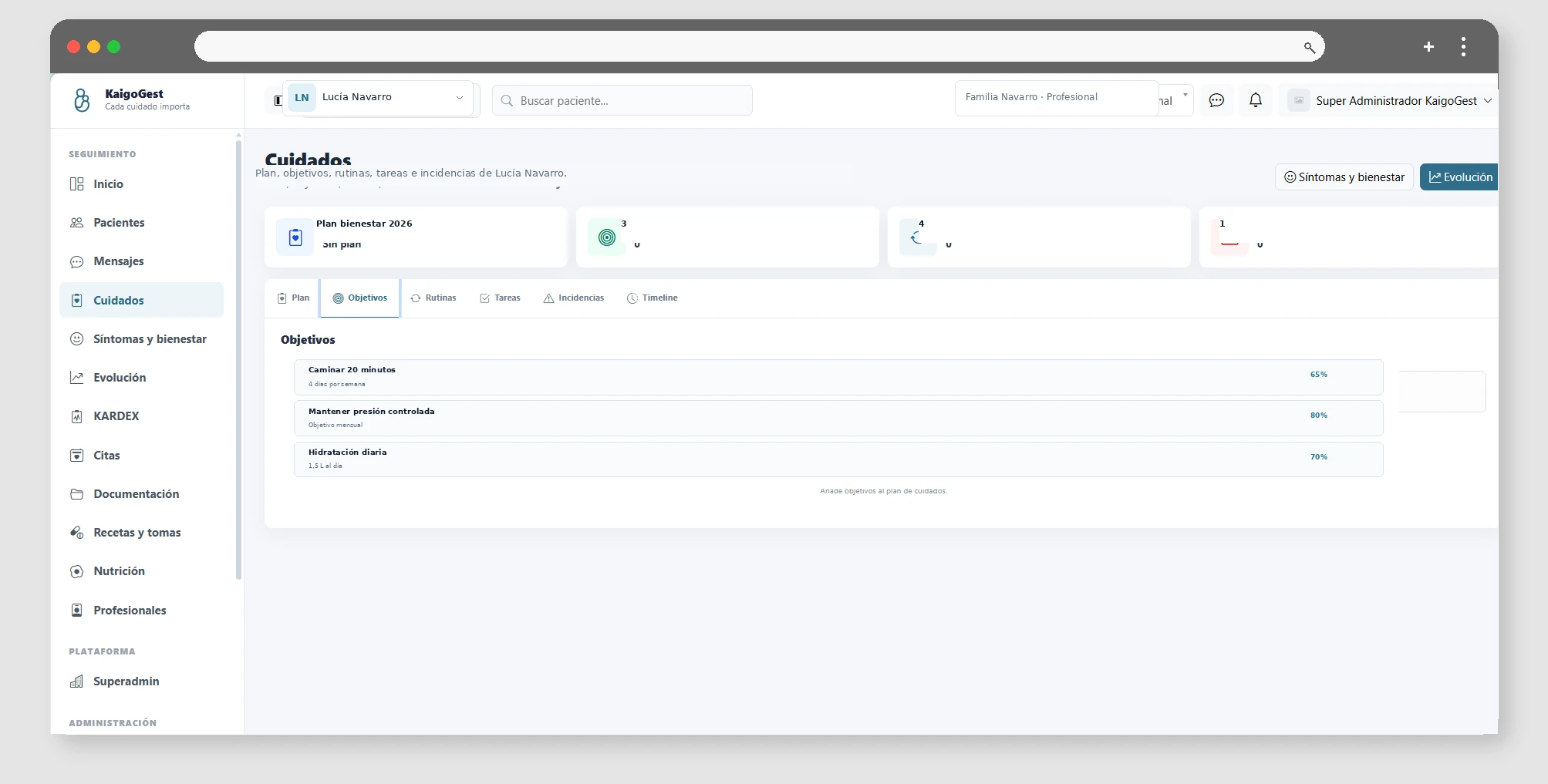
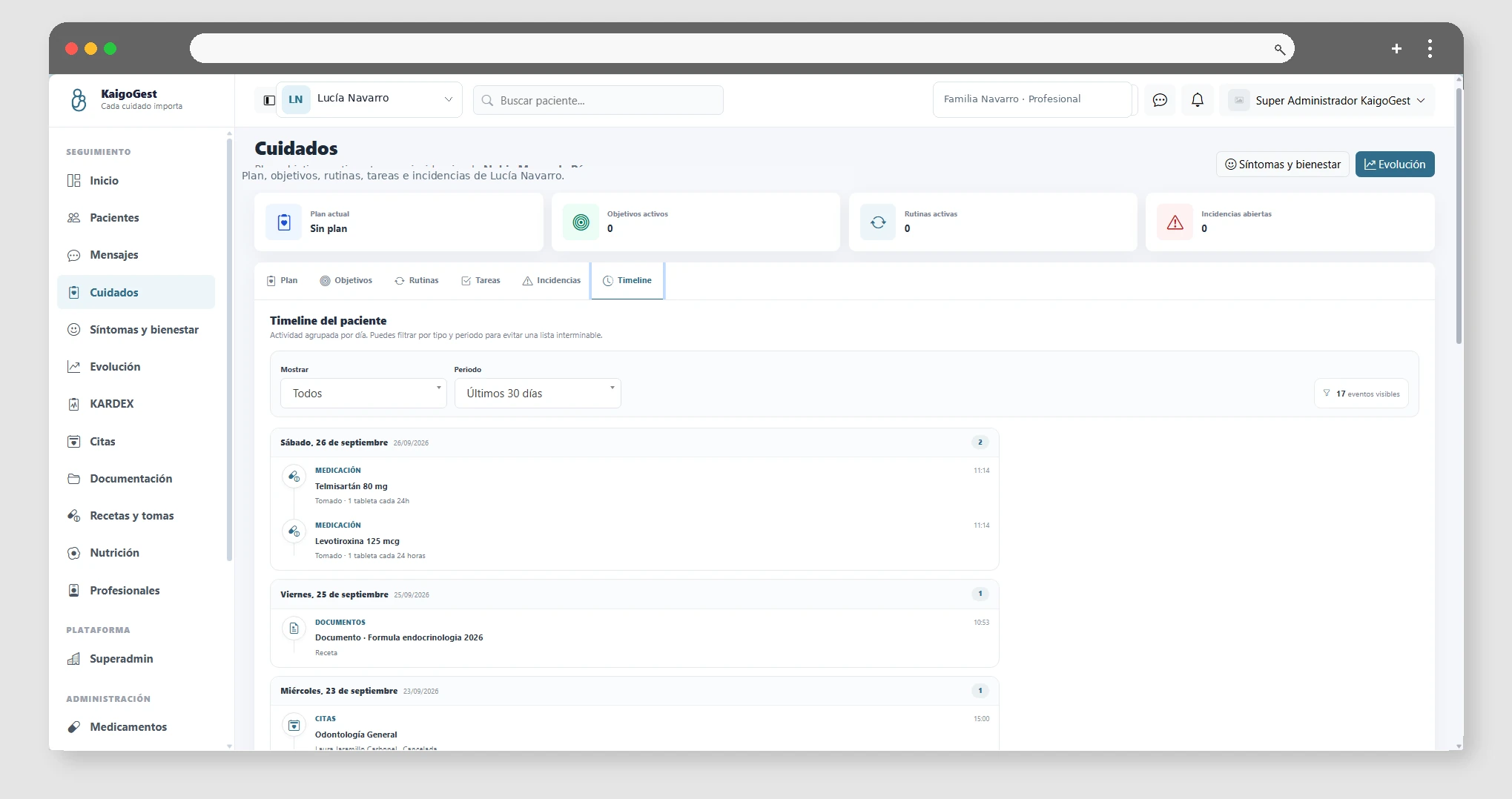
Care plans allow you to structure the follow-up of a patient around an active plan. Within the plan you can define objectives, establish their priority and progress and associate care routines that must be repeated.

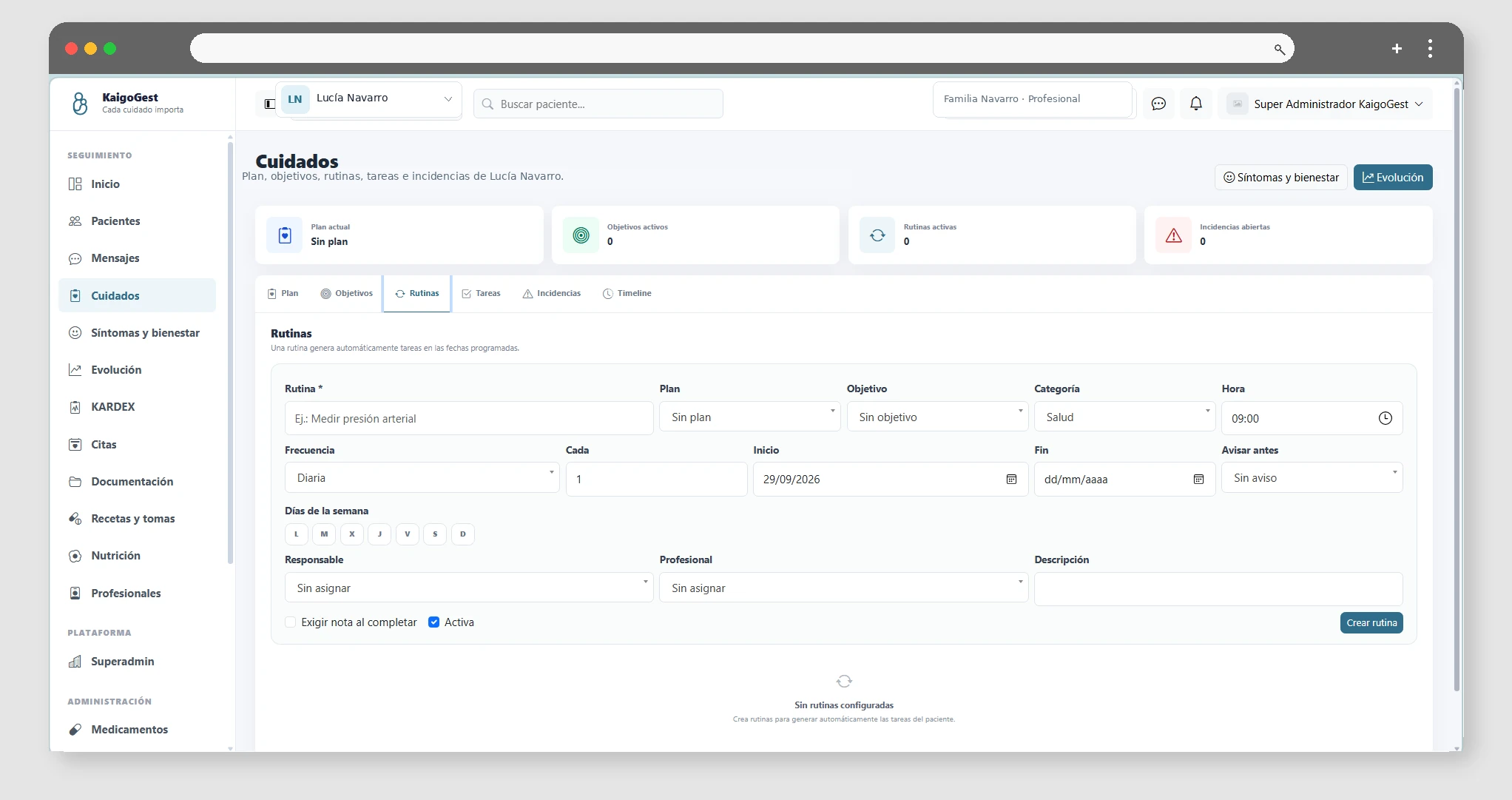
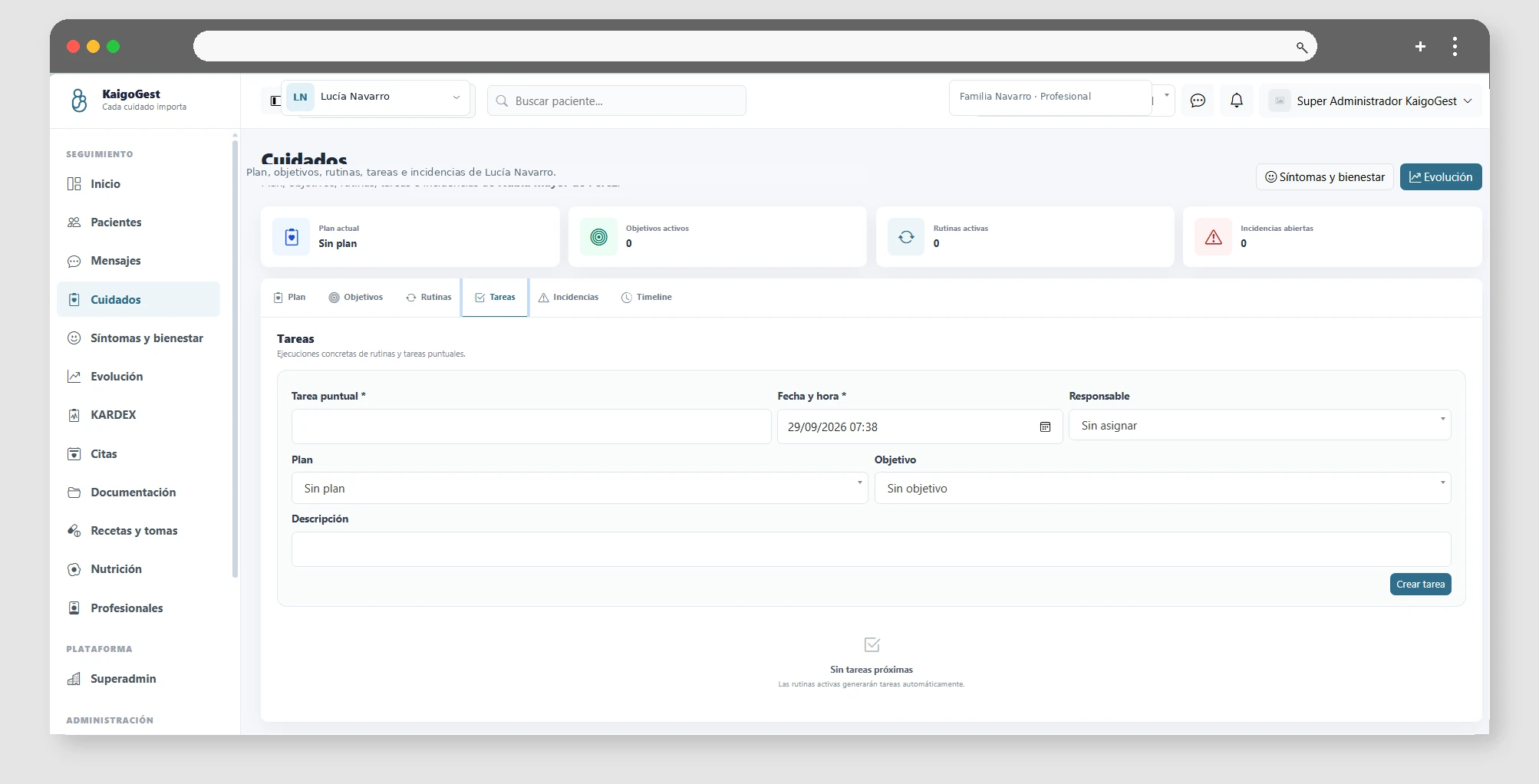
Routines generate scheduled tasks so that the team knows what to do and when. Each task can be assigned, completed with notes, or marked as skipped when there is a reason.

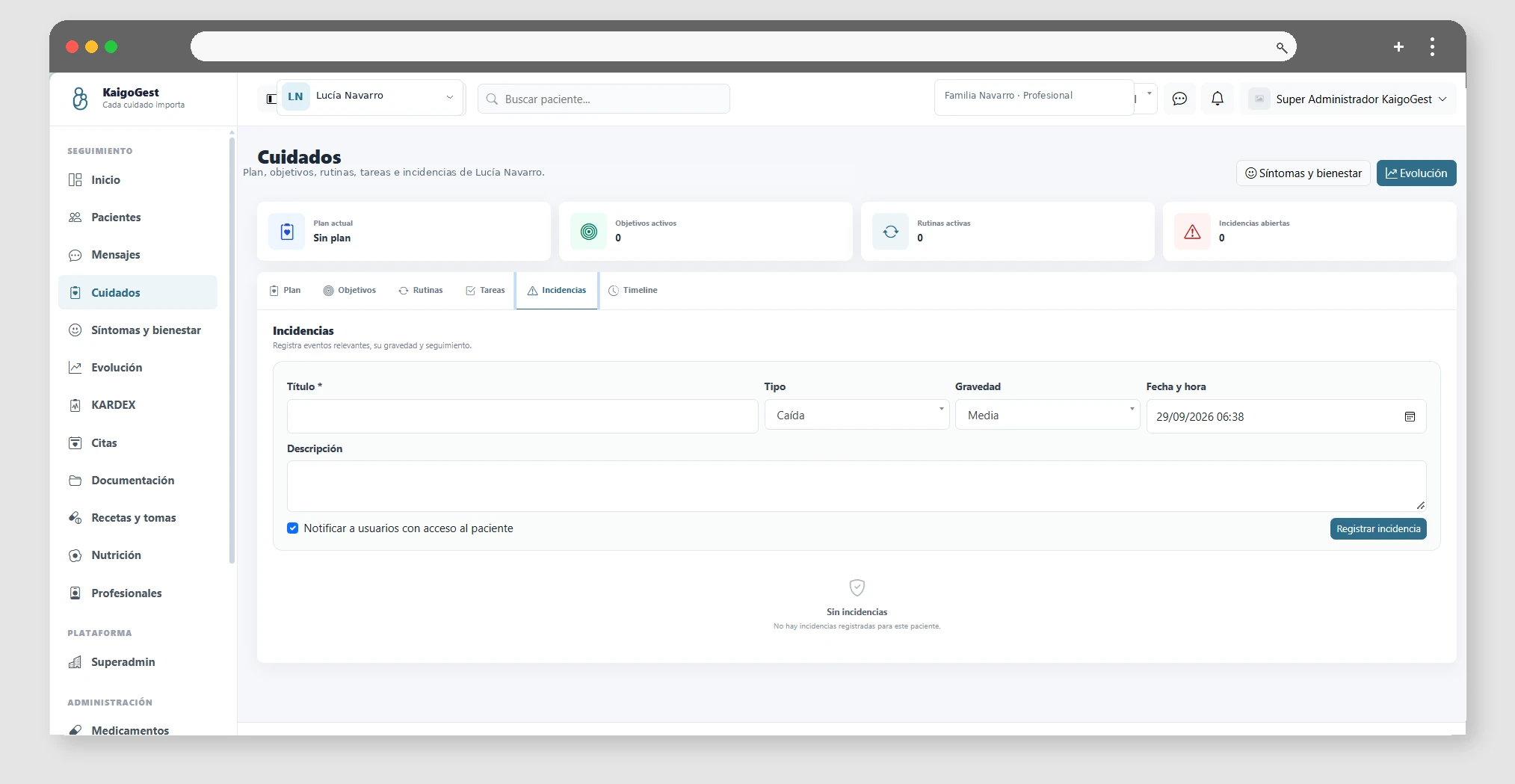
You can also record care-related incidents, indicate their severity, track their condition and document their resolution. In this way, the patient's daily work and goals are connected in the same traceability.

Record symptoms and wellness

Available from Esencial

Write down symptoms and perform daily check-ins for mood, energy, appetite, mobility, sleep, and overall well-being.

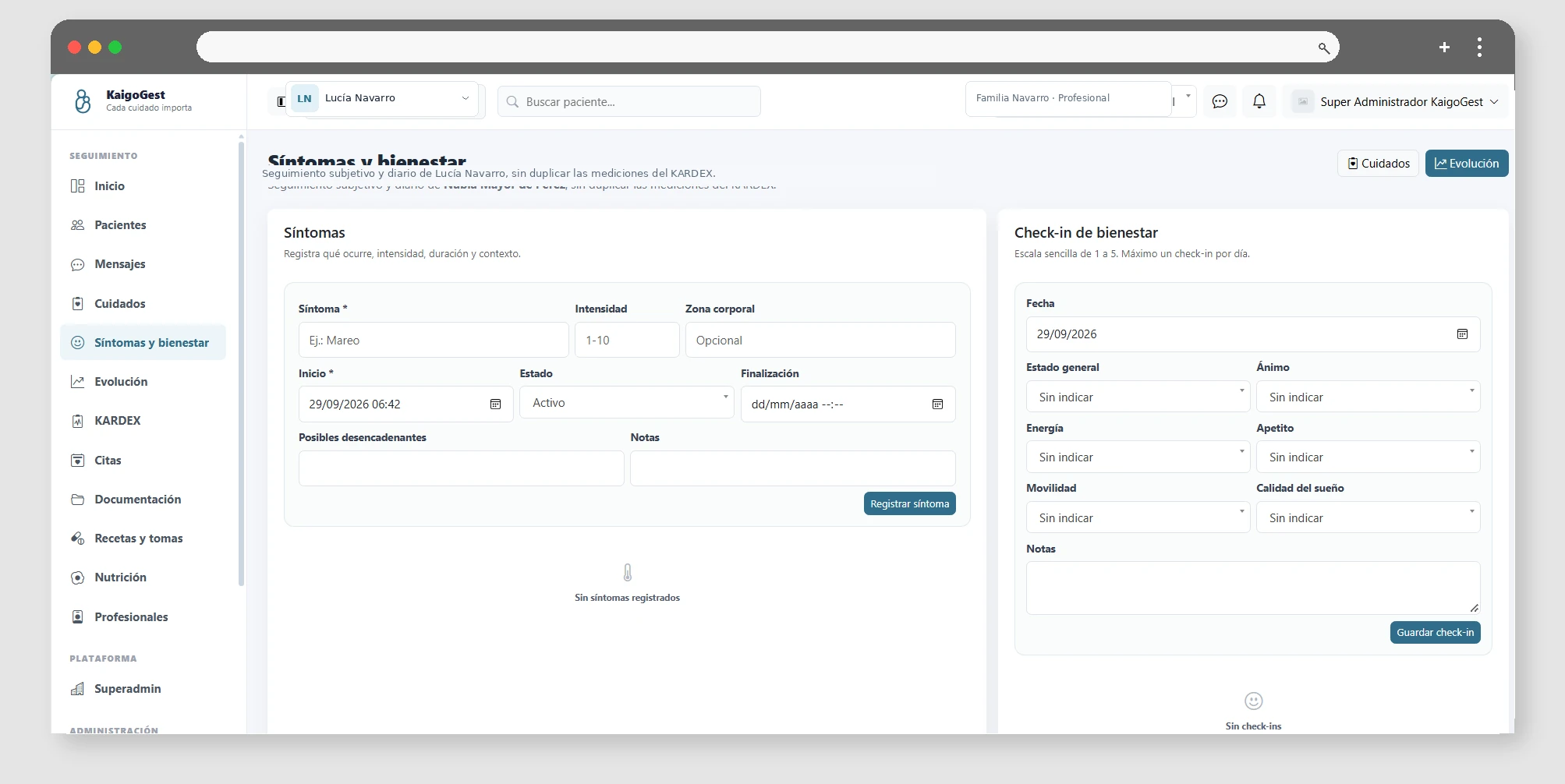
Symptom tracking allows you to record what the patient is feeling, when it started, its intensity, the affected body area, possible triggers and context notes. You can also indicate when a symptom ends to keep track of its evolution.

Wellness check-ins summarize the patient's status by day using indicators such as mood, energy, appetite, mobility, sleep quality, and overall well-being. Each date keeps a single record that can be updated when needed.

These data complement the Kardex and the care plan: they provide context on daily progress without mixing clinical measurements with perception and monitoring of well-being.

03

Medication and nutrition

Recipes, intakes, stocks, purchases, suppliers and nutrition plans.

Setting up medication and recording intakes

Available from Esencial

Medications, prescriptions, guidelines and recording of intakes from the same flow.

First it registers the medication and, when appropriate, creates a prescription or prescription with dosage, dates and instructions. The dosing schedule is generated from the configured schedule.

From Medication you can mark the shots taken and keep the history. Reminders can be sent using the notification preferences configured for the user.

If a prescription is no longer current, update its status or end date instead of creating duplicate records.

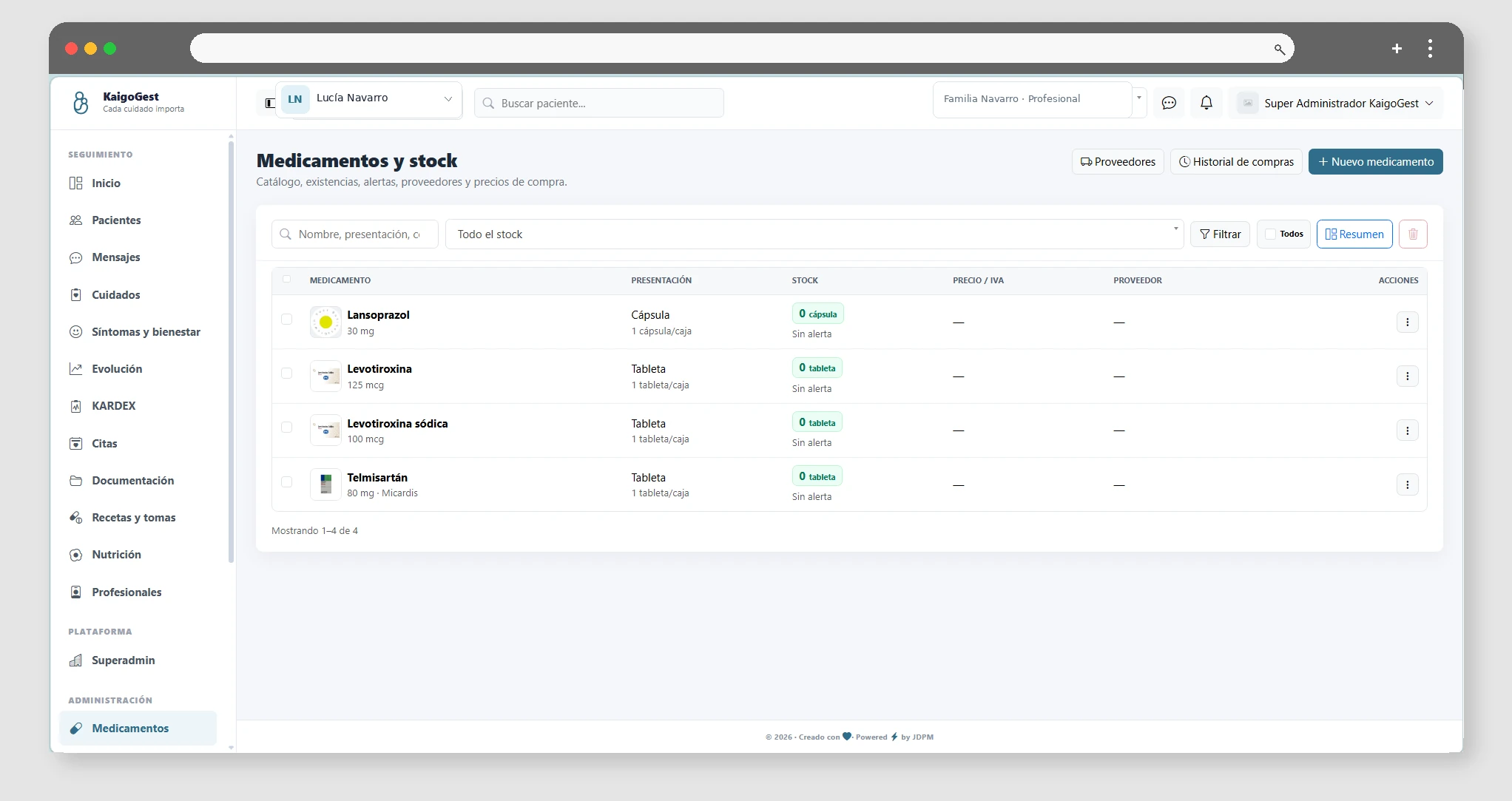
Captura de Setting up medication and recording intakes

Medication purchases and stocks

Available from Profesional

Record purchases, suppliers and control available stock.

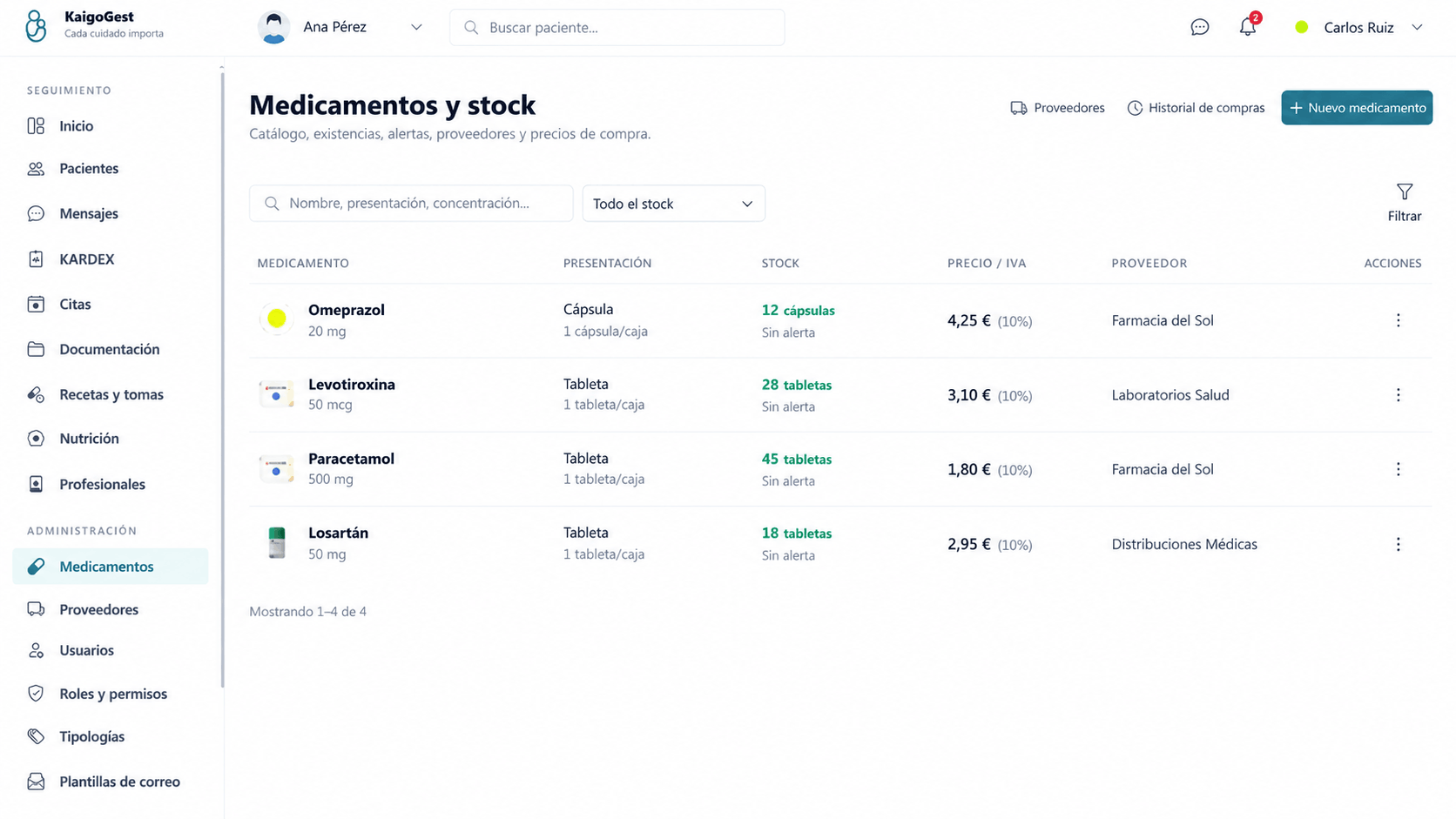
Medication purchases allow you to increase available stock and preserve your supply history. You can associate each purchase with a supplier for traceability.

The system uses stock to display alerts when stock is low. Keeping purchases up to date helps reminders and planning reflect actual availability.

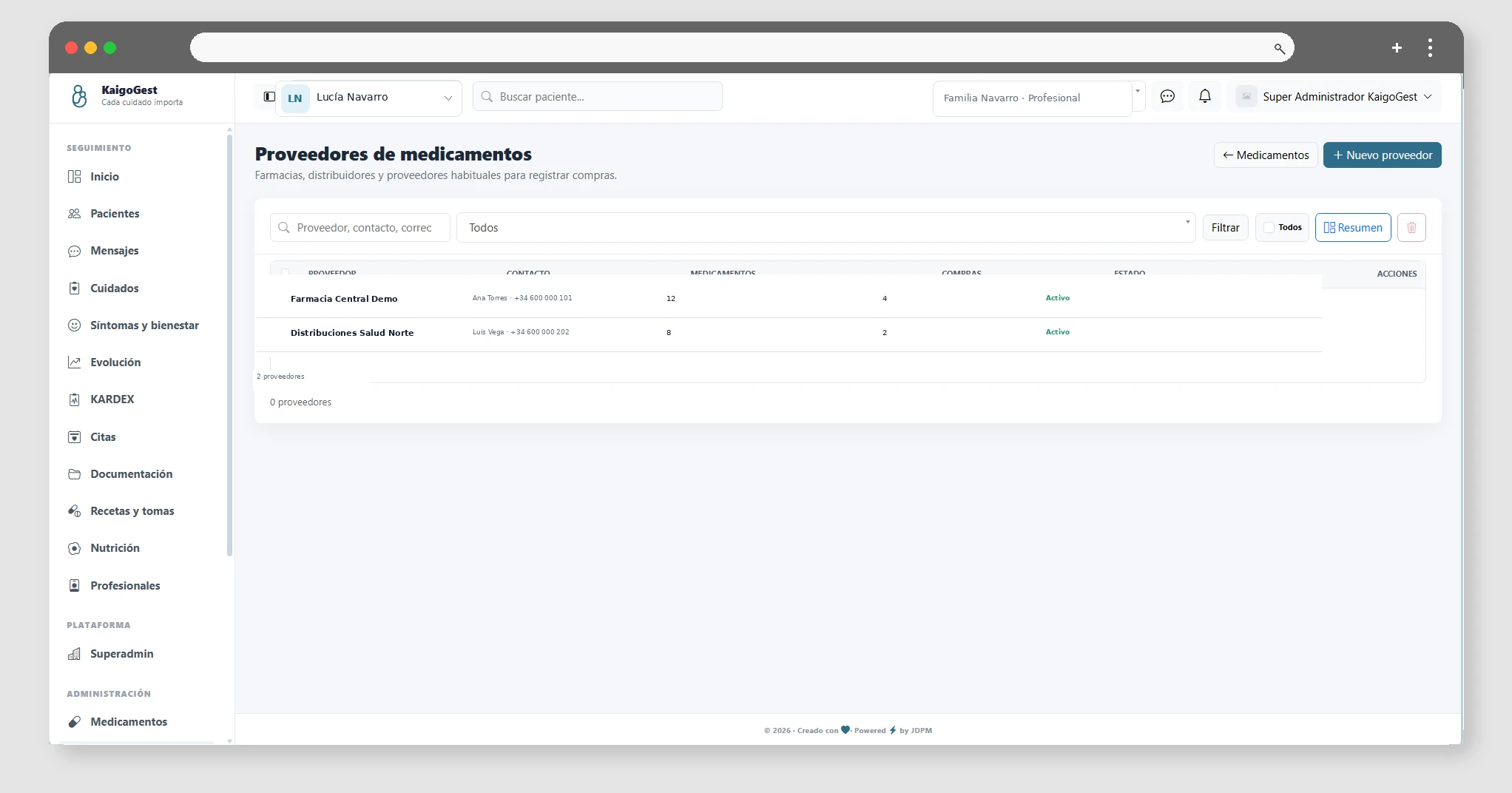
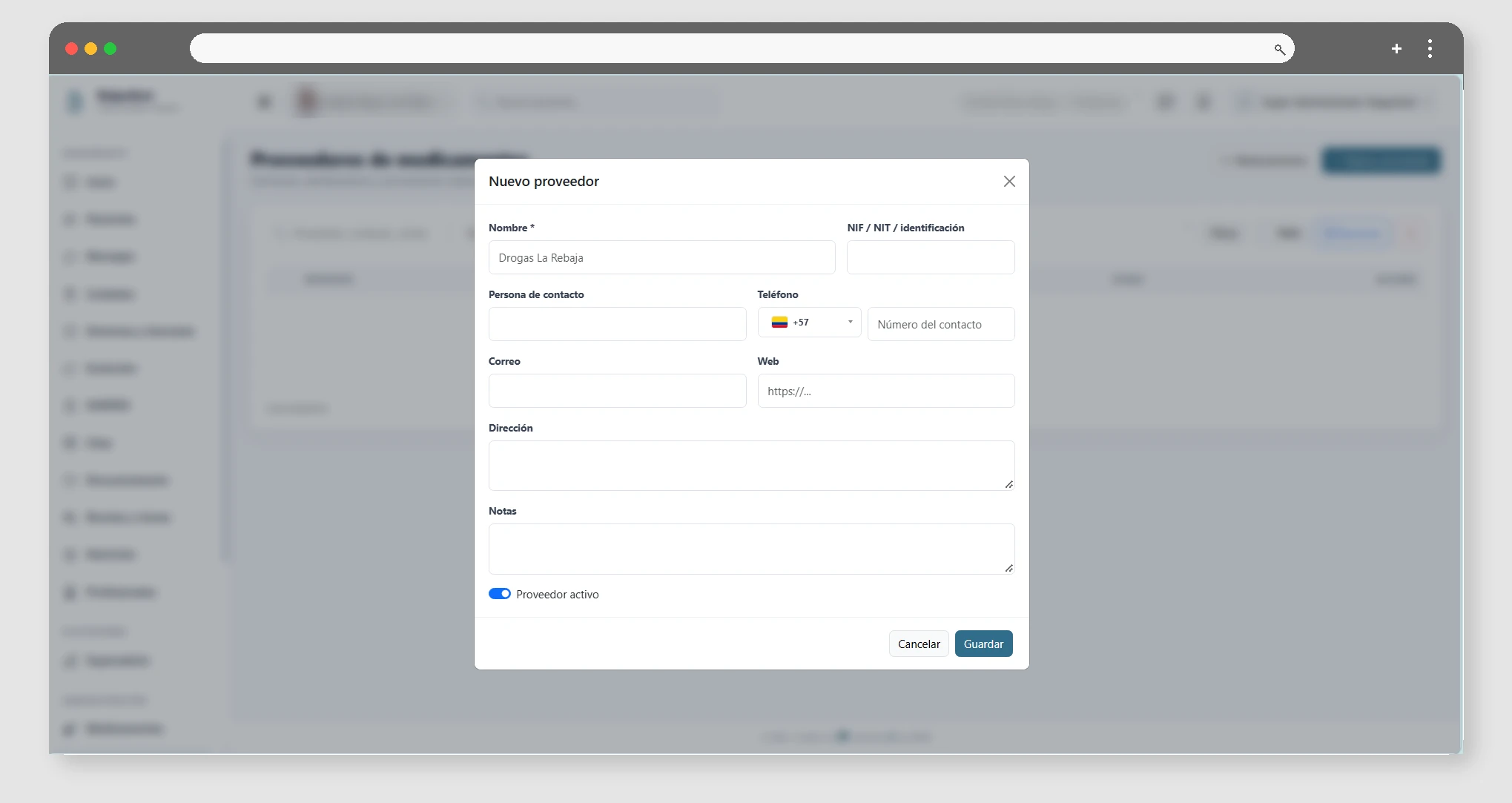
Suppliers are managed from their specific module and can be edited or deactivated according to your needs.

Captura de Medication purchases and stocks

Nutrition and daily care

Available from Esencial

Create nutrition plans and leave a record of daily care.

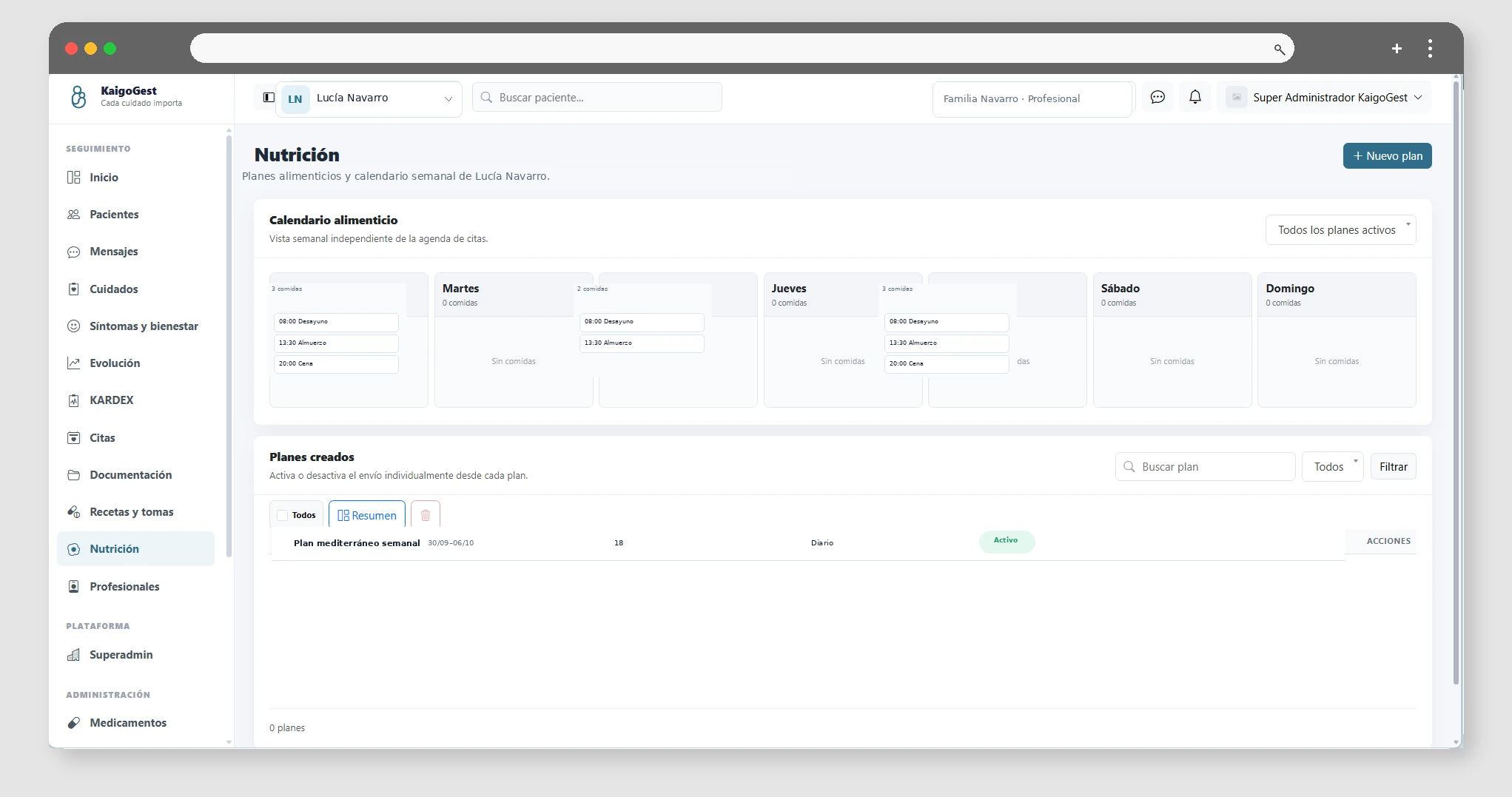
In Nutrition you can create plans for each patient, define guidelines and keep them updated. Nutrition reminders can combine mail and push notifications depending on the user's settings.

The log or record of the patient's activity is used to write down daily care, incidents and accompaniments. This helps family members and authorized professionals to share a common vision of the day-to-day.

04

Agenda, communication and documents

Appointments, Google Calendar, messaging, notifications, and documentation.

Appointments and agenda

Available from Esencial

Organize patient appointments in the agenda.

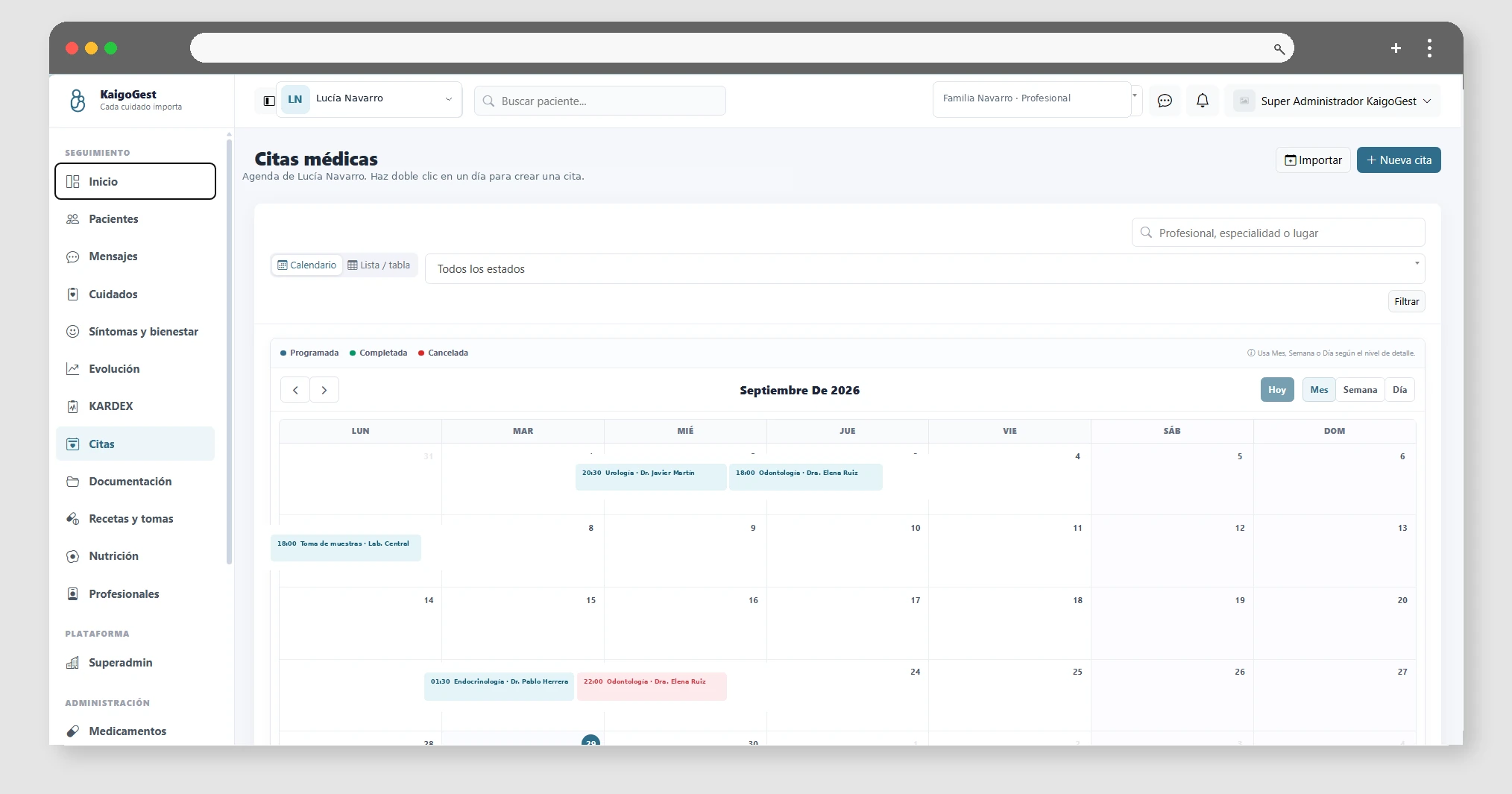
Record and view patient appointments from the KaigoGest calendar. Users with appropriate permissions can create, edit, or cancel events.
Connecting to Google Calendar is explained in a separate guide and requires the Professional plan.

Organize documents and view storage

Available from Esencial

Folders, preview, downloads, and storage limit per plan.

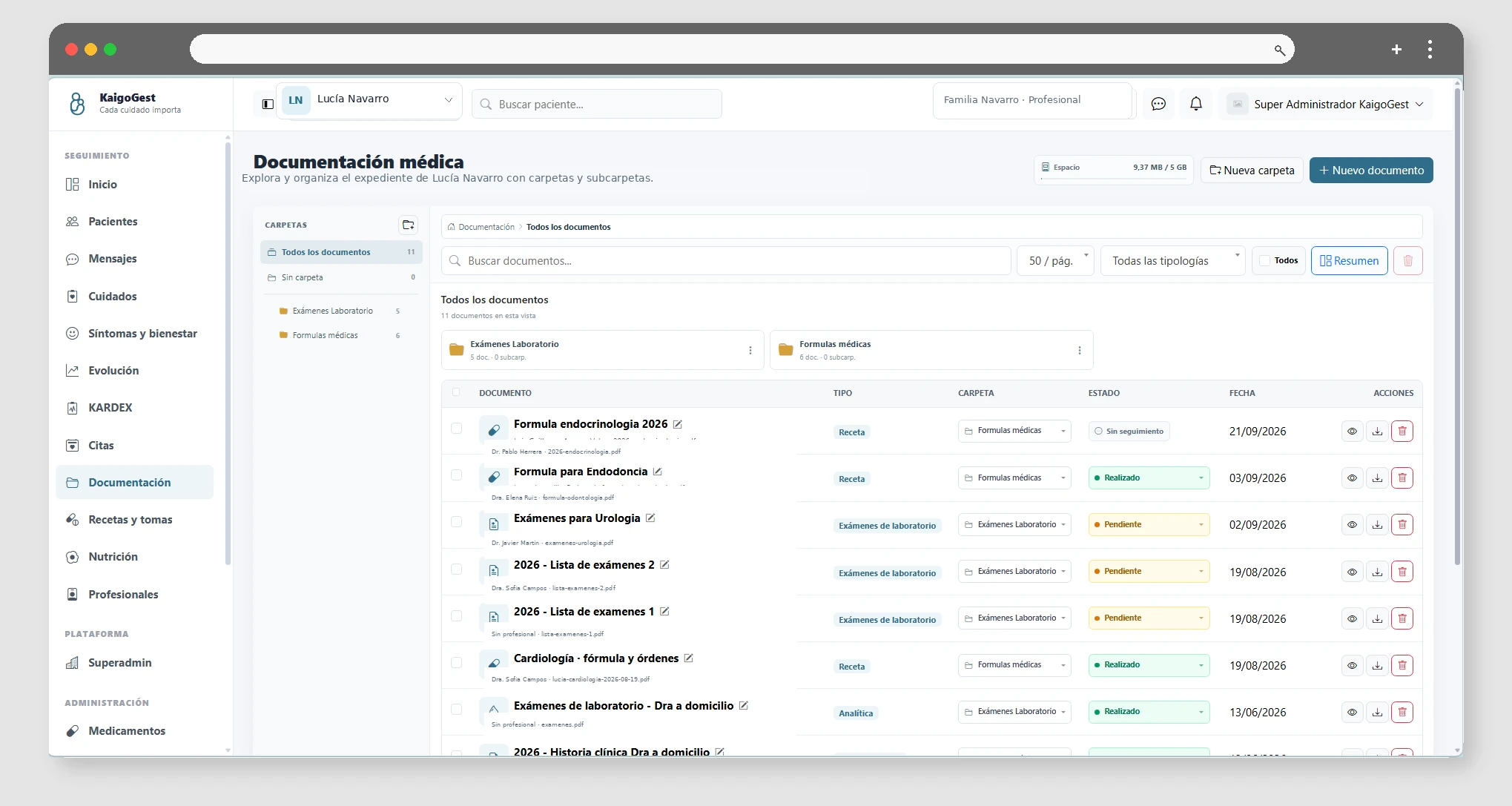
Documents allows you to create folders, move files, rename, preview, and download documents associated with the patient.

Available storage depends on the plan purchased. KaigoGest counts the size of documents and blocks new uploads if the file exceeds the remaining space. Plan limits are frozen in the subscription snapshot when applicable, so a subsequent catalog change does not automatically alter existing customers.

Before uploading large files, review the available usage in your subscription information.

Team messaging

Available from Familia

Send messages and coordinate care from space.

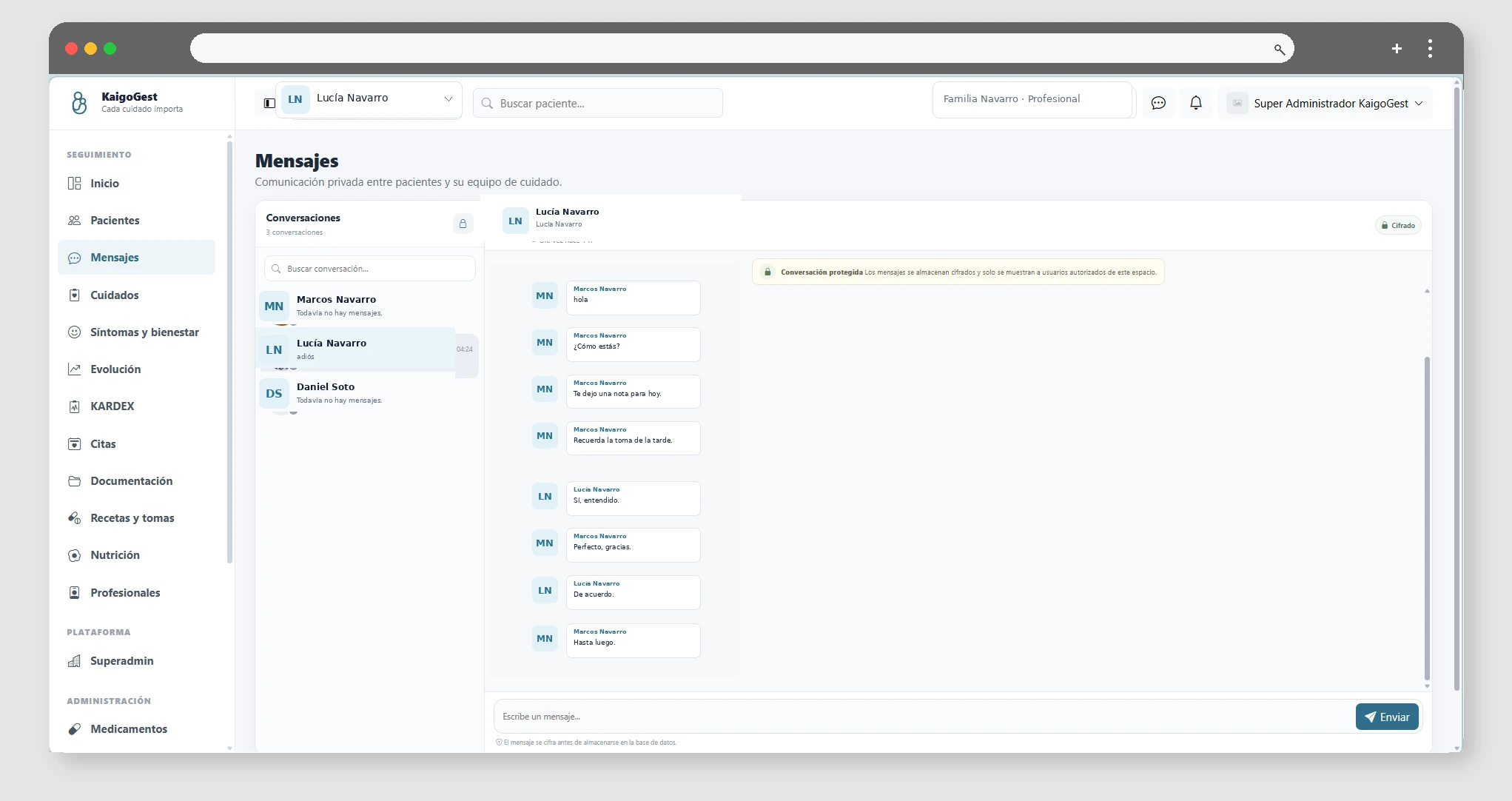
Messaging allows you to chat with authorized people within the space. Access the chat, select a conversation, and view past messages by scrolling up. Requires Family or higher and messaging permissions. Reminders and notifications are explained in a separate guide and are available from Essential.

05

Security, access and administration

Clinical sharing, emergency QR, users, roles, and permissions.

Share a label

Available from Esencial

Generate a temporary link for a professional to consult authorized information.

From the patient file you can generate a clinical sharing link. This access is designed to consult specific information without creating a permanent account.

The link uses a token and can include access to previewable documents. Share the link only with the authorized person and recall it when it's no longer needed.

The shared listing is not a substitute for managing users and permissions when a person needs regular access.

Activate or deactivate the emergency QR

Available from Esencial

Publish a minimum emergency token and control when it is available.

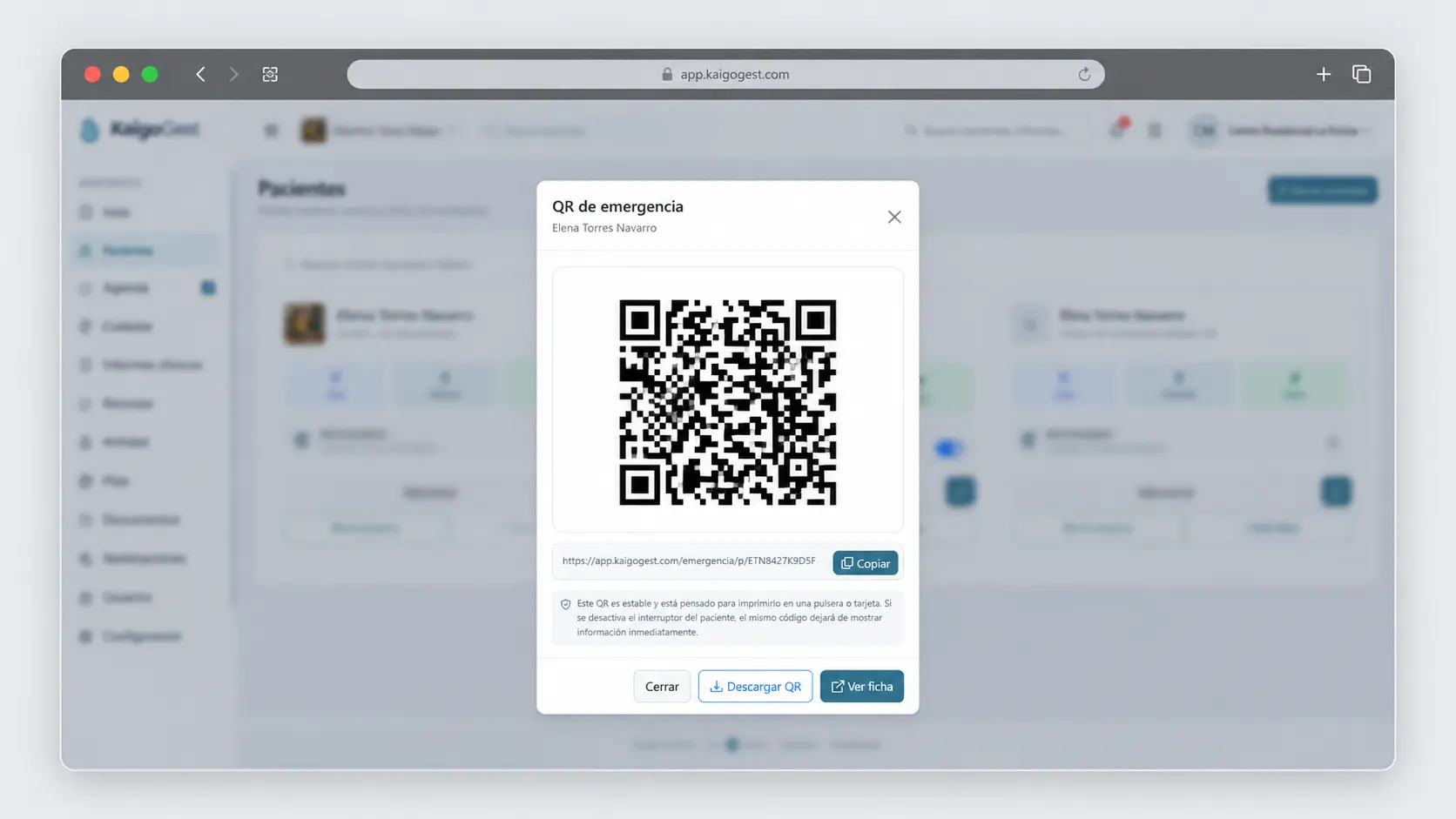
The emergency form allows you to generate a QR associated with the patient. Its objective is to provide essential information when necessary, without exposing the rest of the application.

From Patients you can activate or deactivate emergency access and generate the QR. The public link uses a secure token.

Keep the patient's emergency data up to date and disable access if it should no longer be available.

Manage Users, Roles, and Permissions

Available from Esencial

Control who can enter the tenant and what actions they can take.

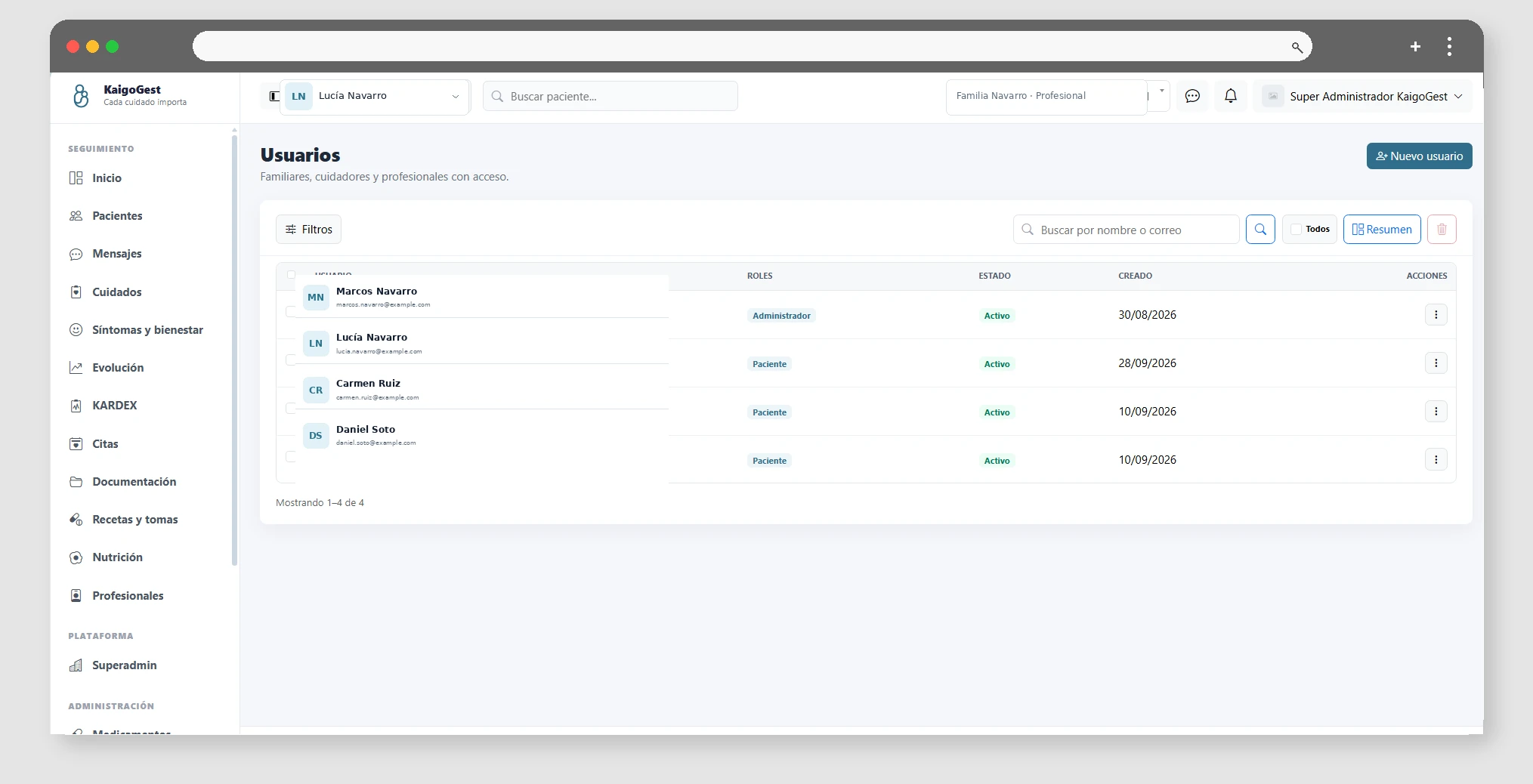
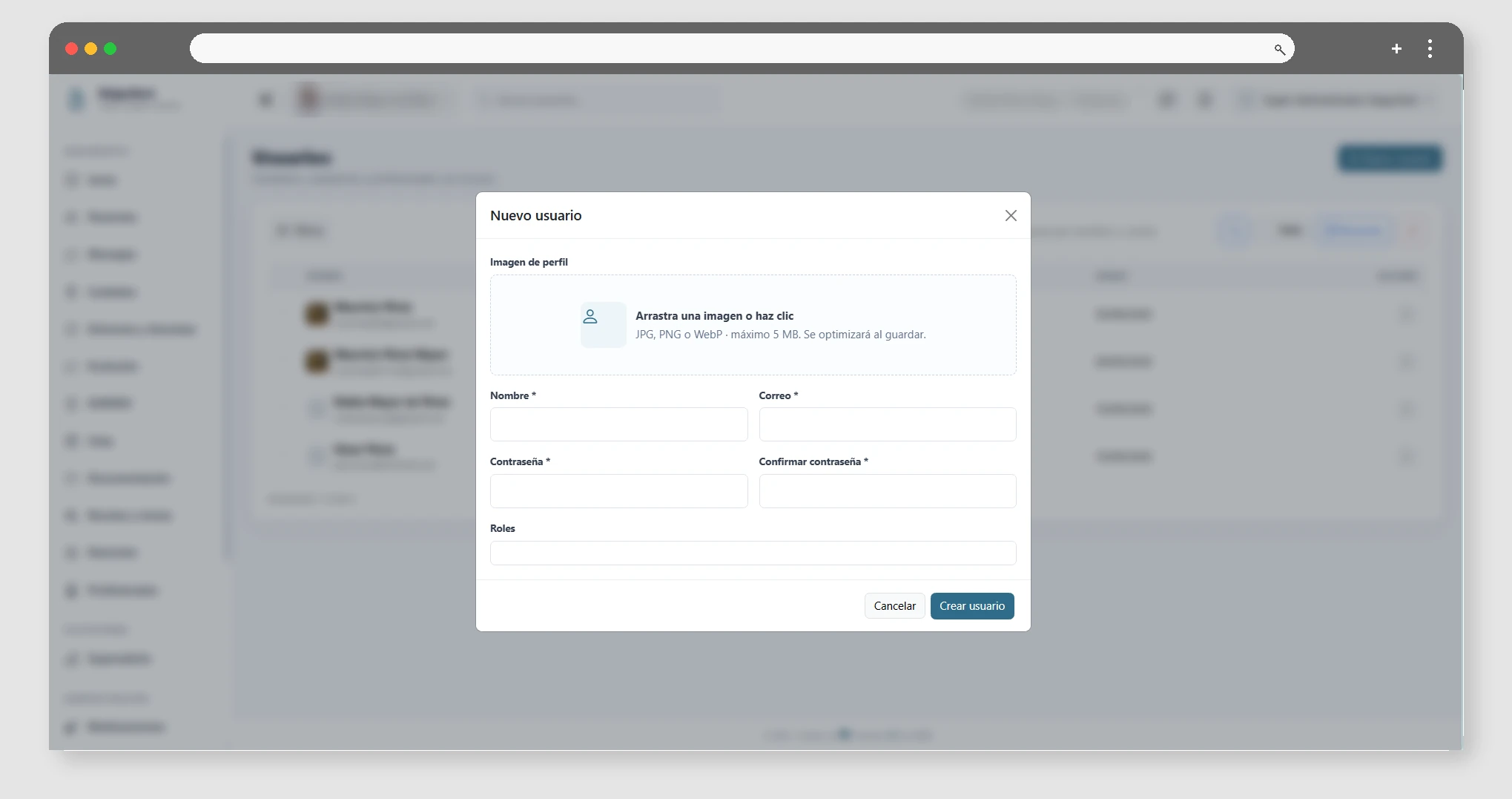
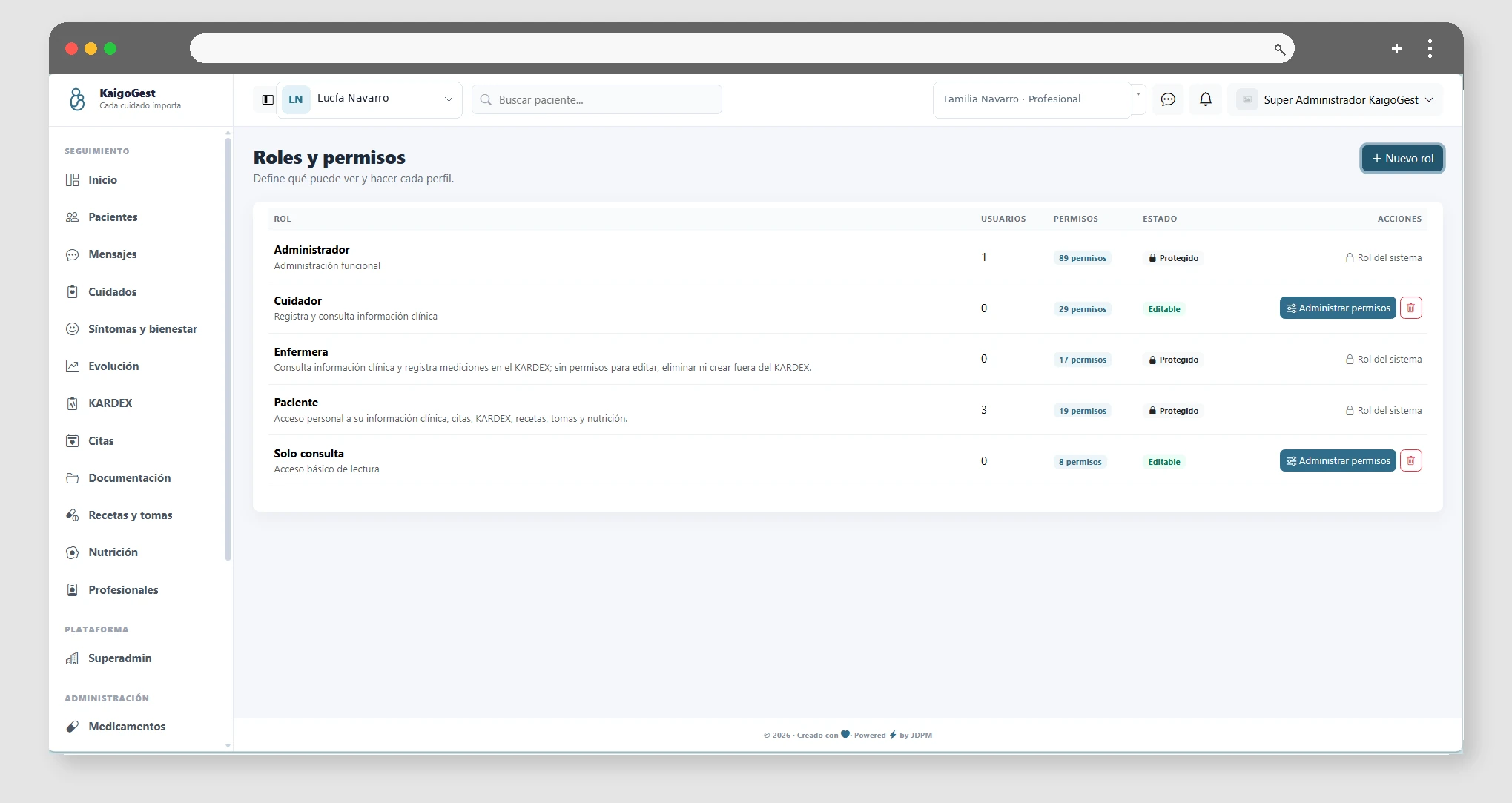
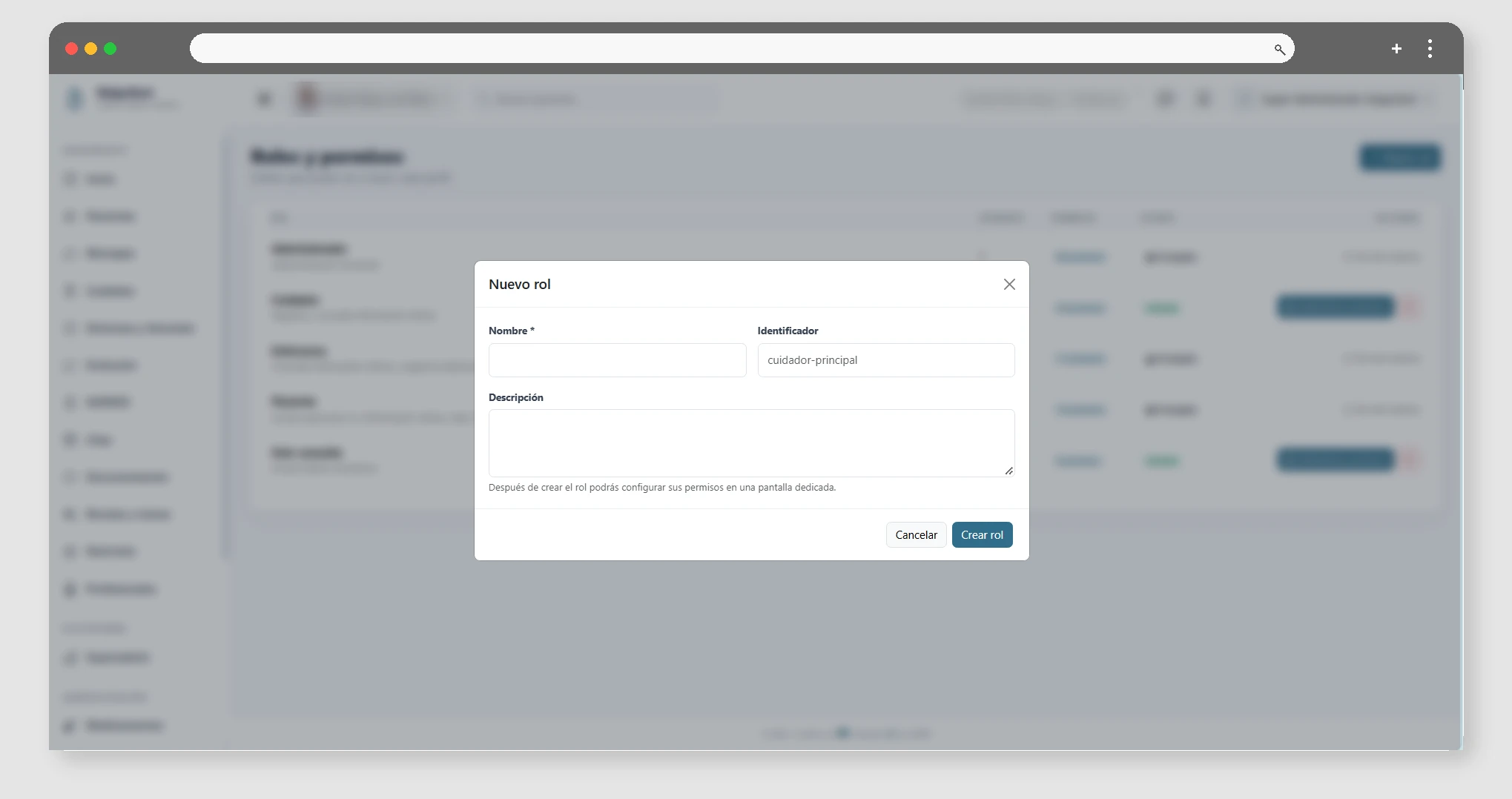
Users in a tenant can have different roles, such as administration, nursing, family member, or patient. Permissions determine which modules and actions each role can use.

Manage access from Administration and avoid assigning permissions that are broader than necessary. Belonging to a tenant is independent of other spaces, so that each family or school maintains its own users and configurations.

If you deactivate a tenant or access, the user is no longer able to operate within that space.

06

Follow-up

Evolution, professionals and calendar.
Progress reports

Available from Familia

View the patient's progress based on their care and records.

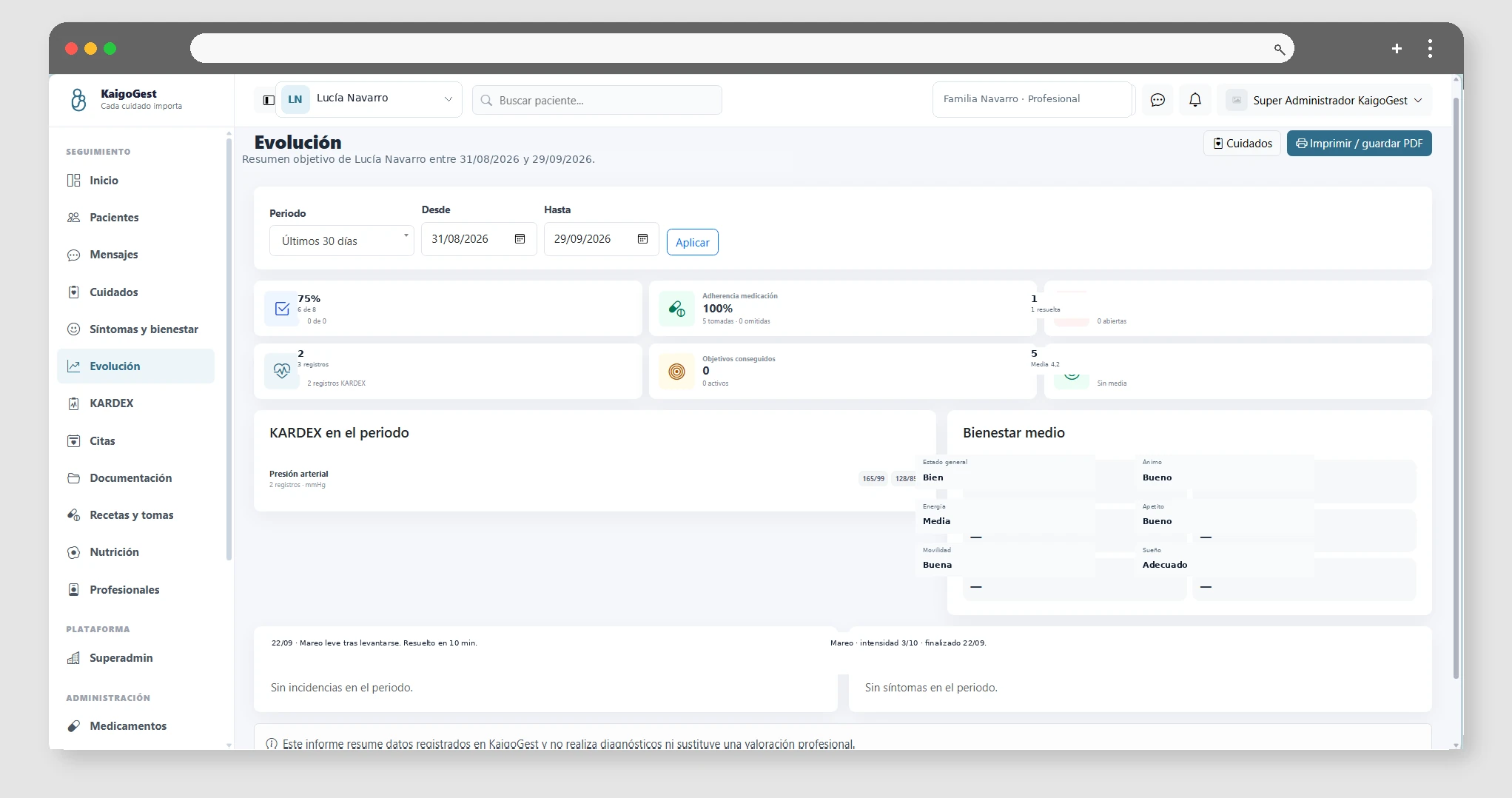
In Evolution, you can check the patient's progress and relate the follow-up data. Select the corresponding patient and review their records before drawing conclusions.

Team Professionals

Available from Profesional

Organizes the multidisciplinary team that cares for patients.

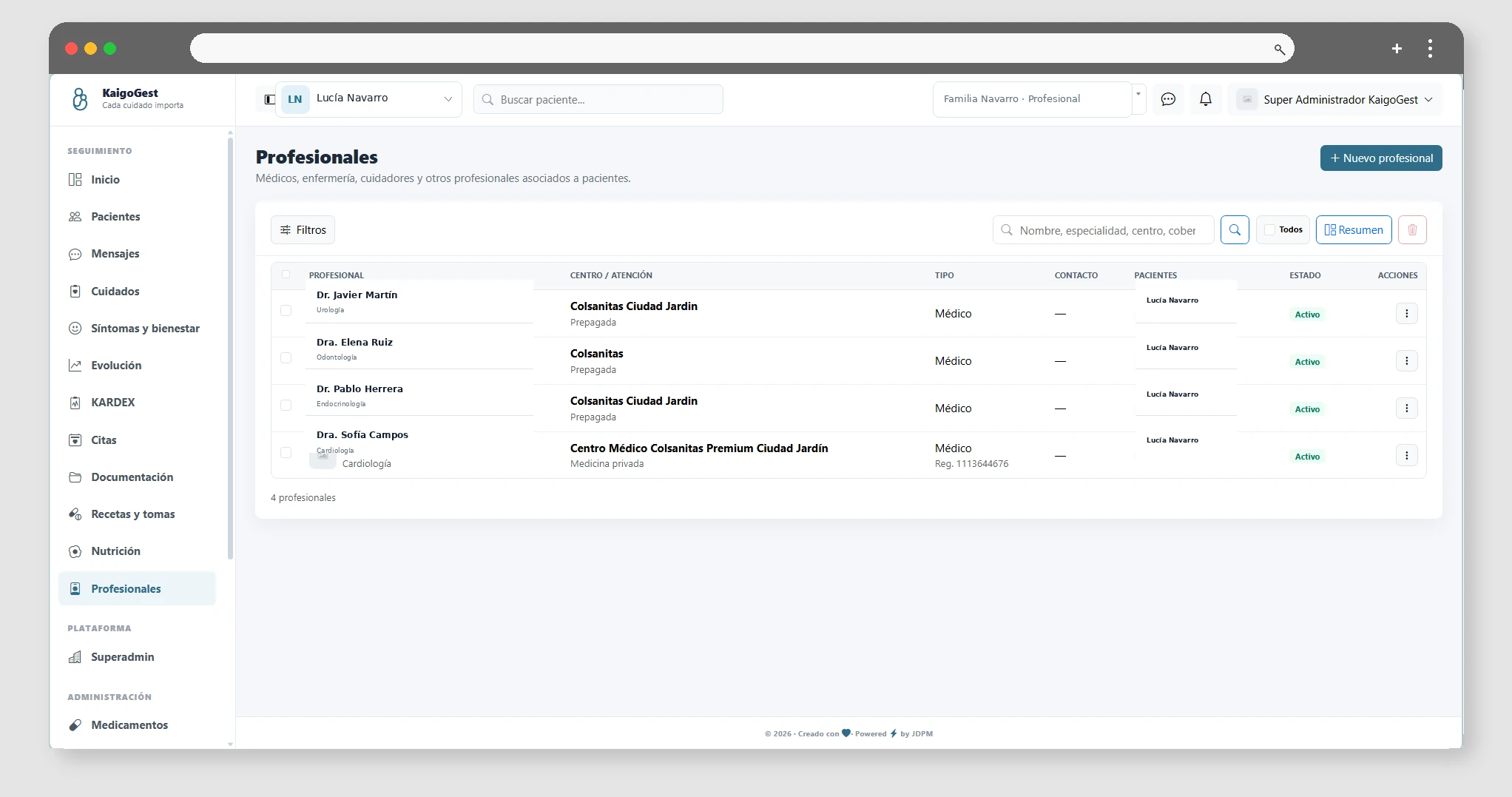
In Professionals, you can view and manage team members. Their availability depends on the Professional plan and the user's permissions within the space.

Notifications and reminders

Available from Esencial

See notices related to patient care.

Notifications and reminders help you see the day's activity and tasks. Reception depends on each user's settings and permissions; messaging between members is available from Family.

Google Calendar Integration

Available from Profesional

Import and sync appointments with the linked calendar.
Google Calendar integration allows you to connect the external agenda and review the event import. Requires Professional plan and corresponding permissions. KaigoGest appointments are available from Essential.

07

Administration

Catalogs and space configuration.

Medicines catalogue

Available from Profesional

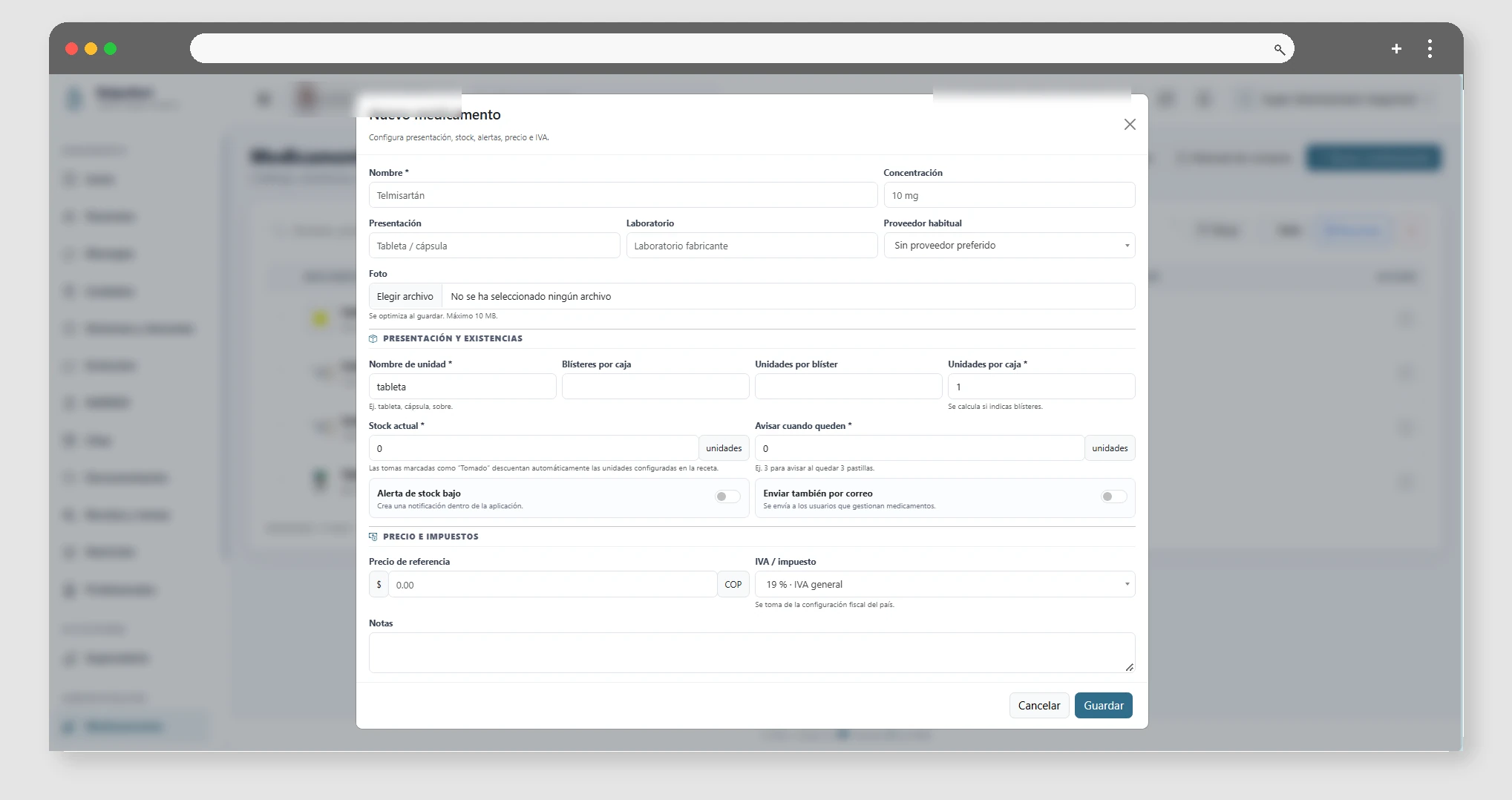
Manage your organization's medication cards.

In the catalog, you can create and edit medications for use in follow-up. The Advanced catalog requires the Professional plan; the patient's prescriptions and shots are available from Essential.

Supplier management

Available from Profesional

Consult and register suppliers associated with stock control.

In Providers, you can maintain supplier data and refer to it when recording medication purchases. This module requires the Professional plan.

Typologies of the system

Available from Esencial

Configures the types used by documents and other records.

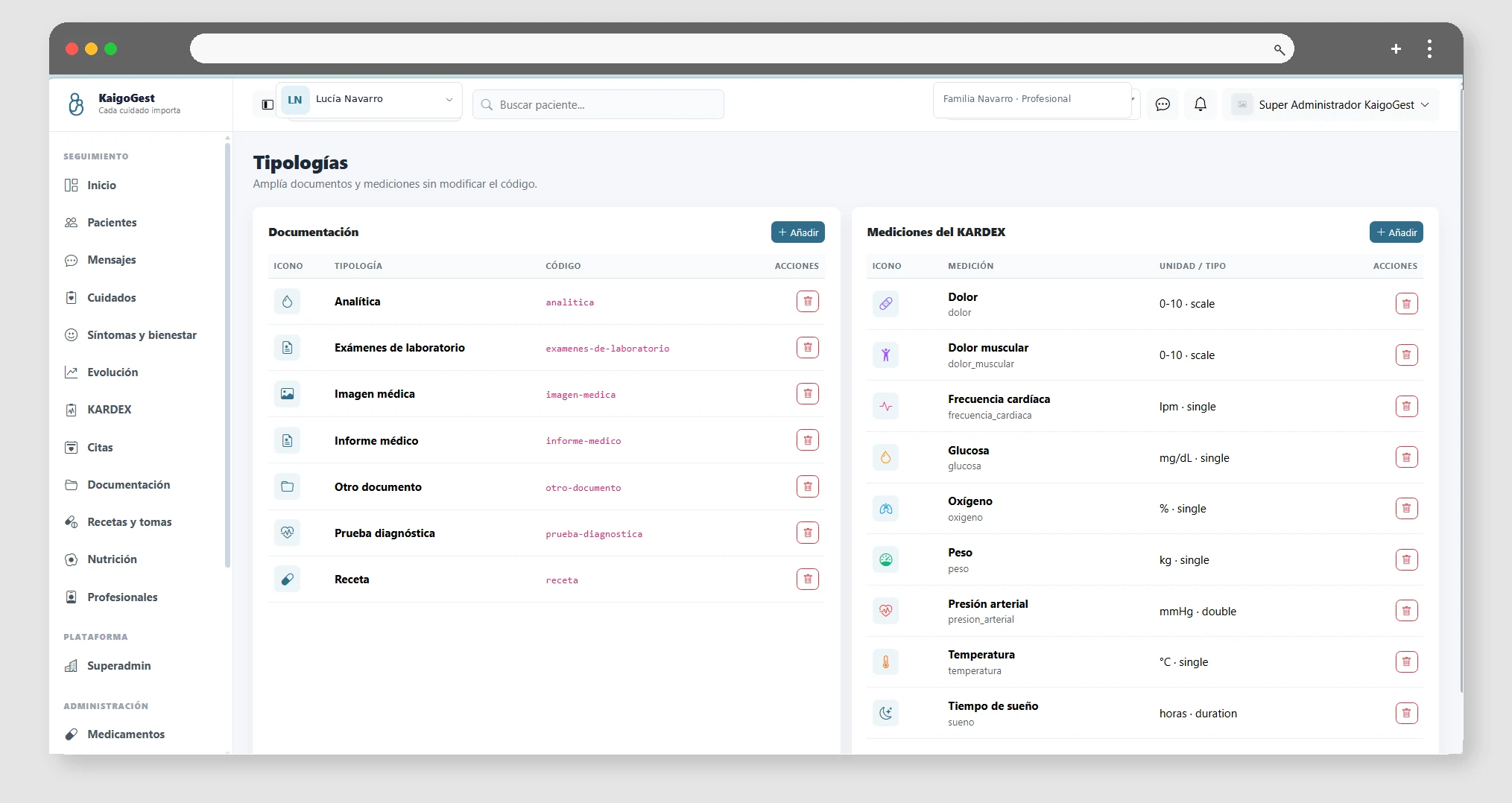
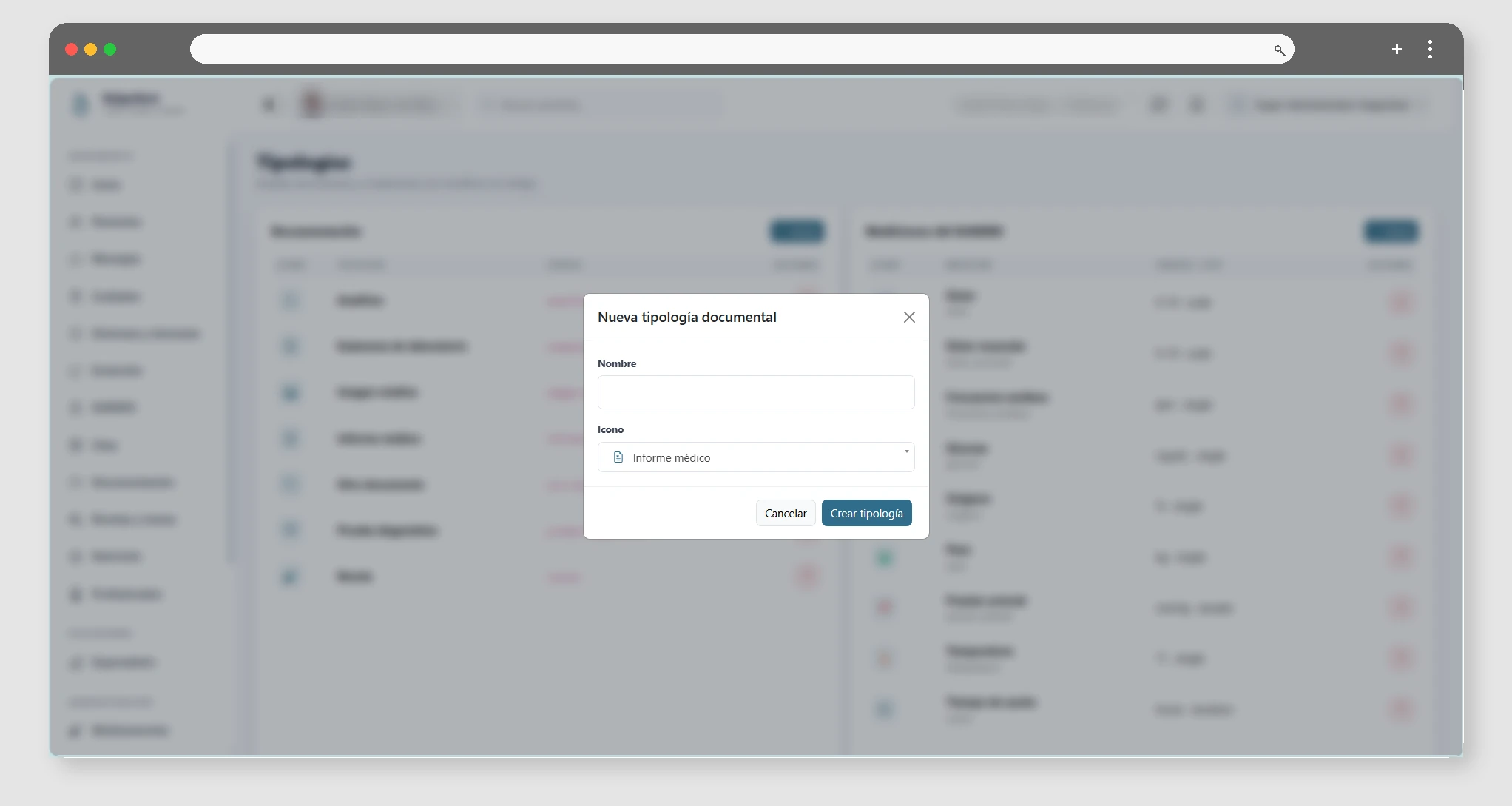
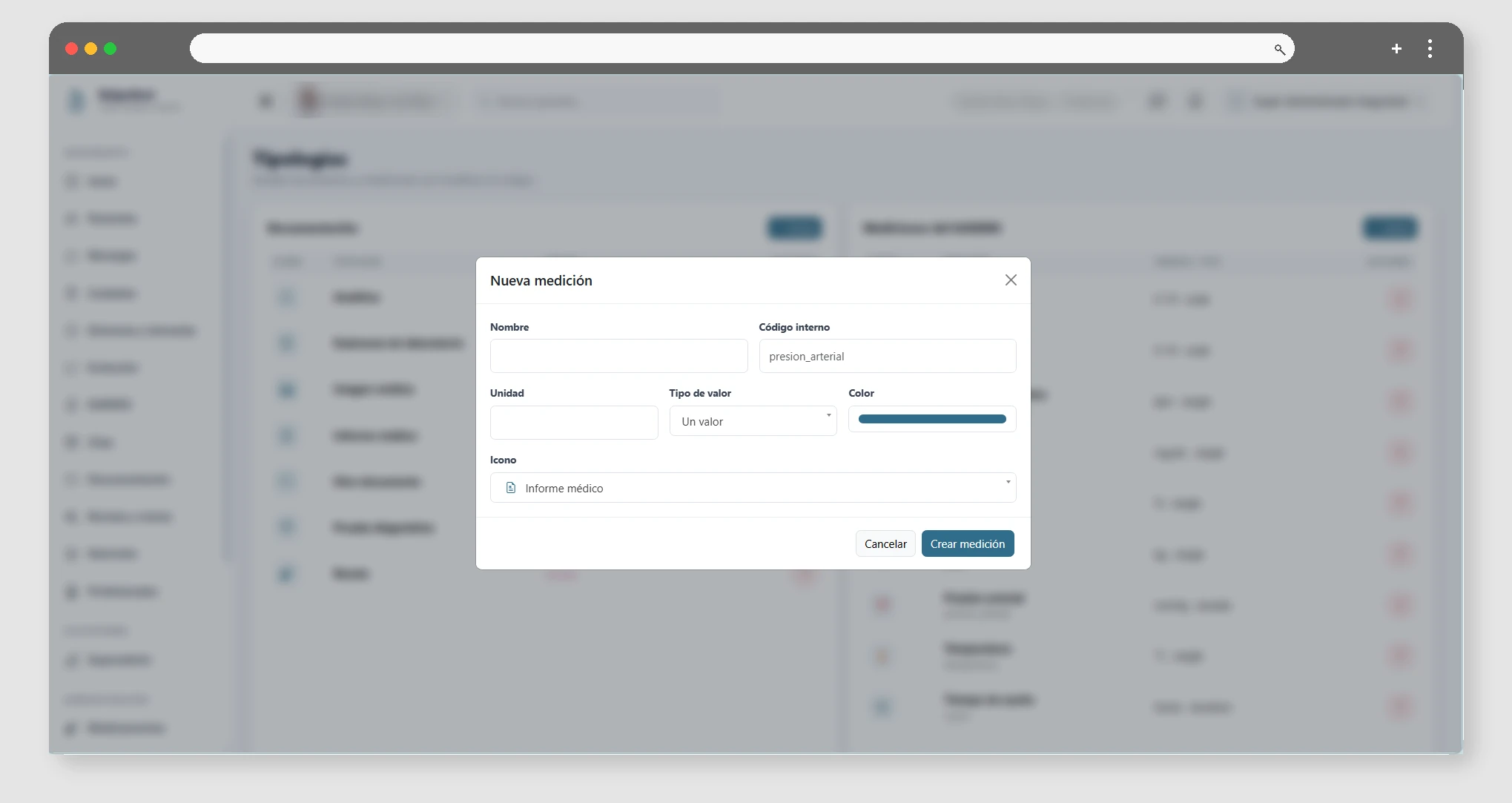
Typologies allow system categories to be maintained, such as document types and constants. Managing them requires a user with the appropriate administration permissions.

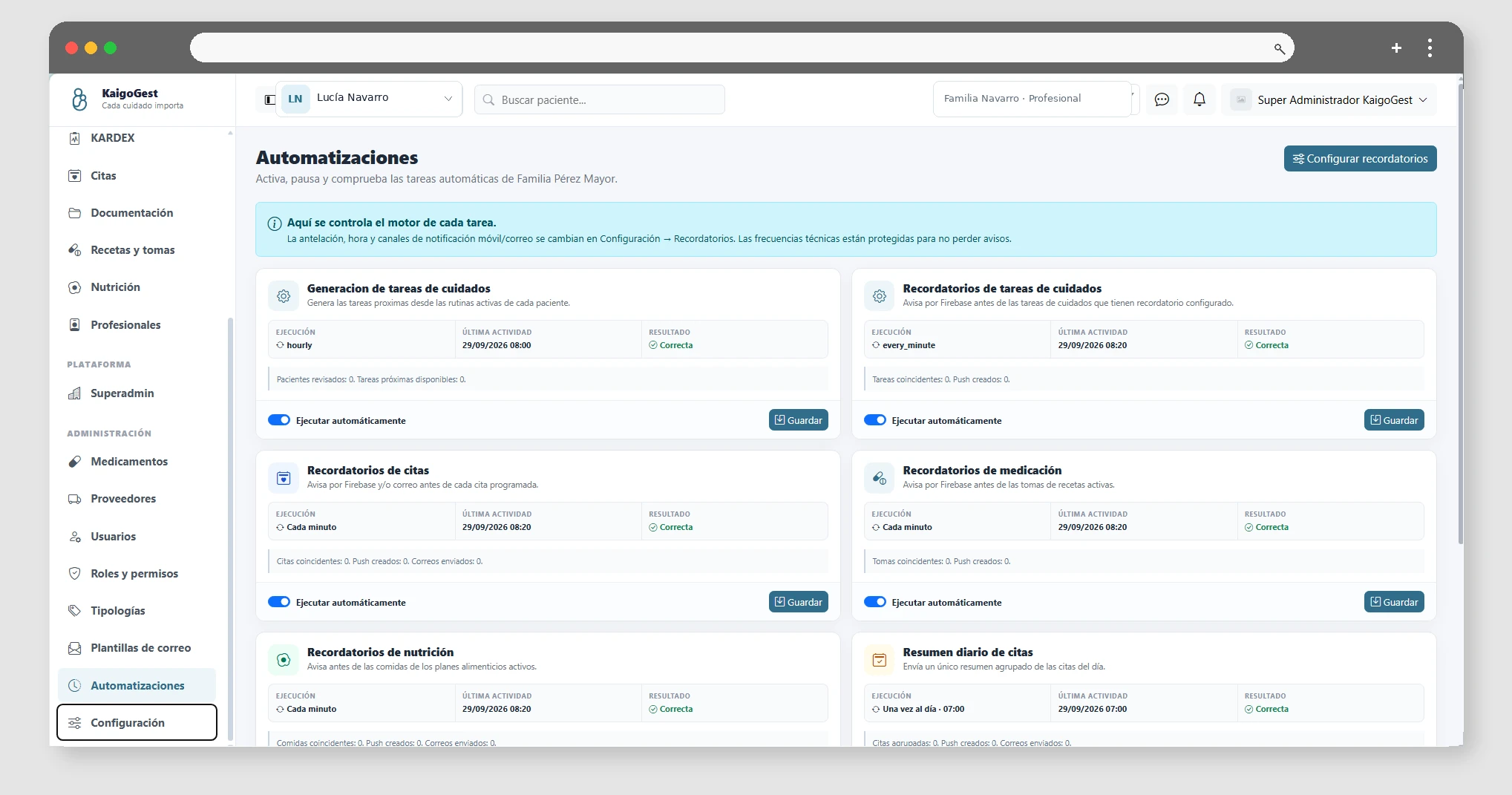
Automations and notifications

Available from Esencial

Set up automatic space notifications.

Review the available automations and their settings before activating them. Managing these options requires configuration permissions; each notice also depends on the modules enabled on the plan.

Email templates

Available from Esencial

Edit the content of messages sent from the platform.

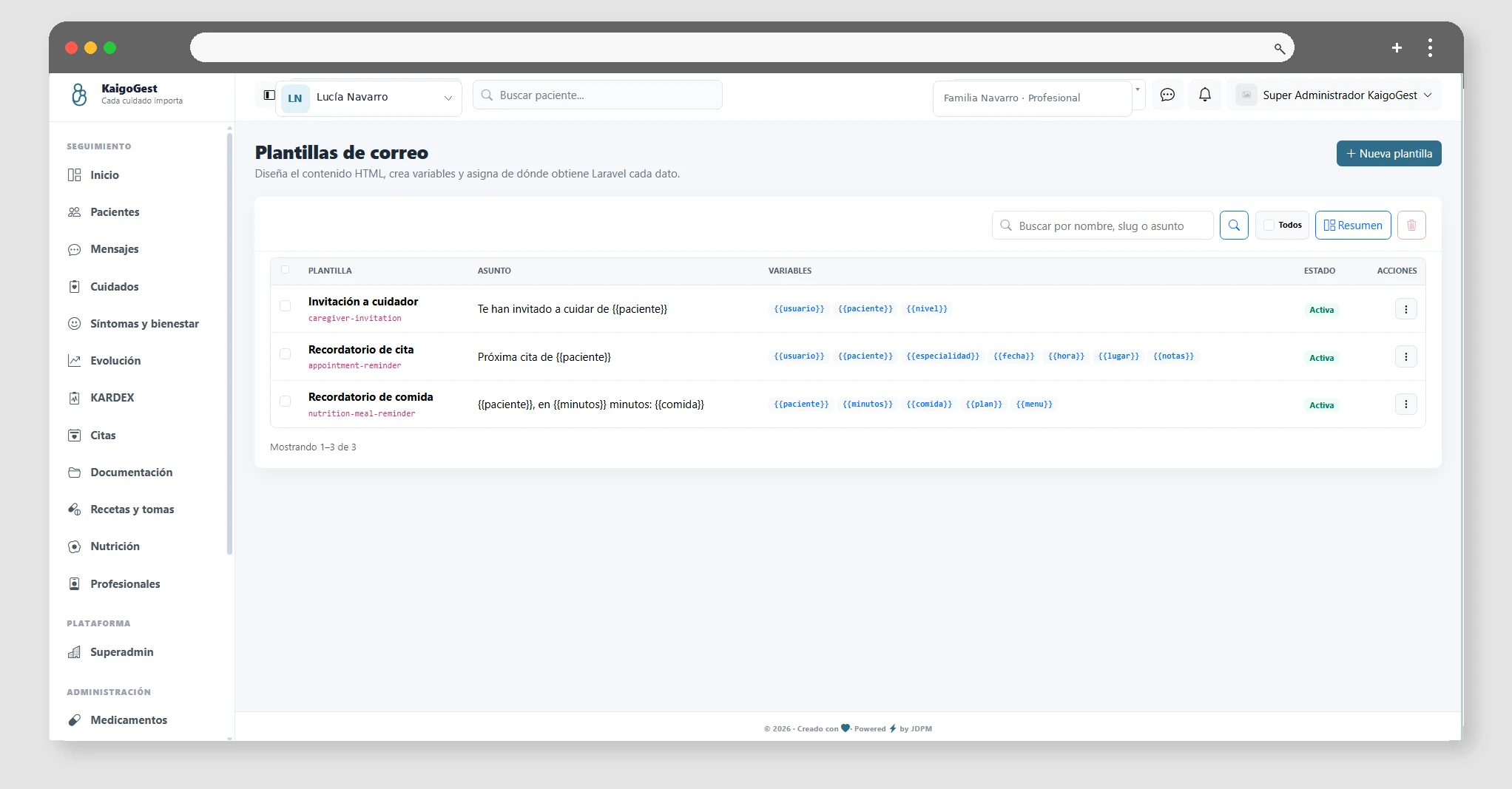
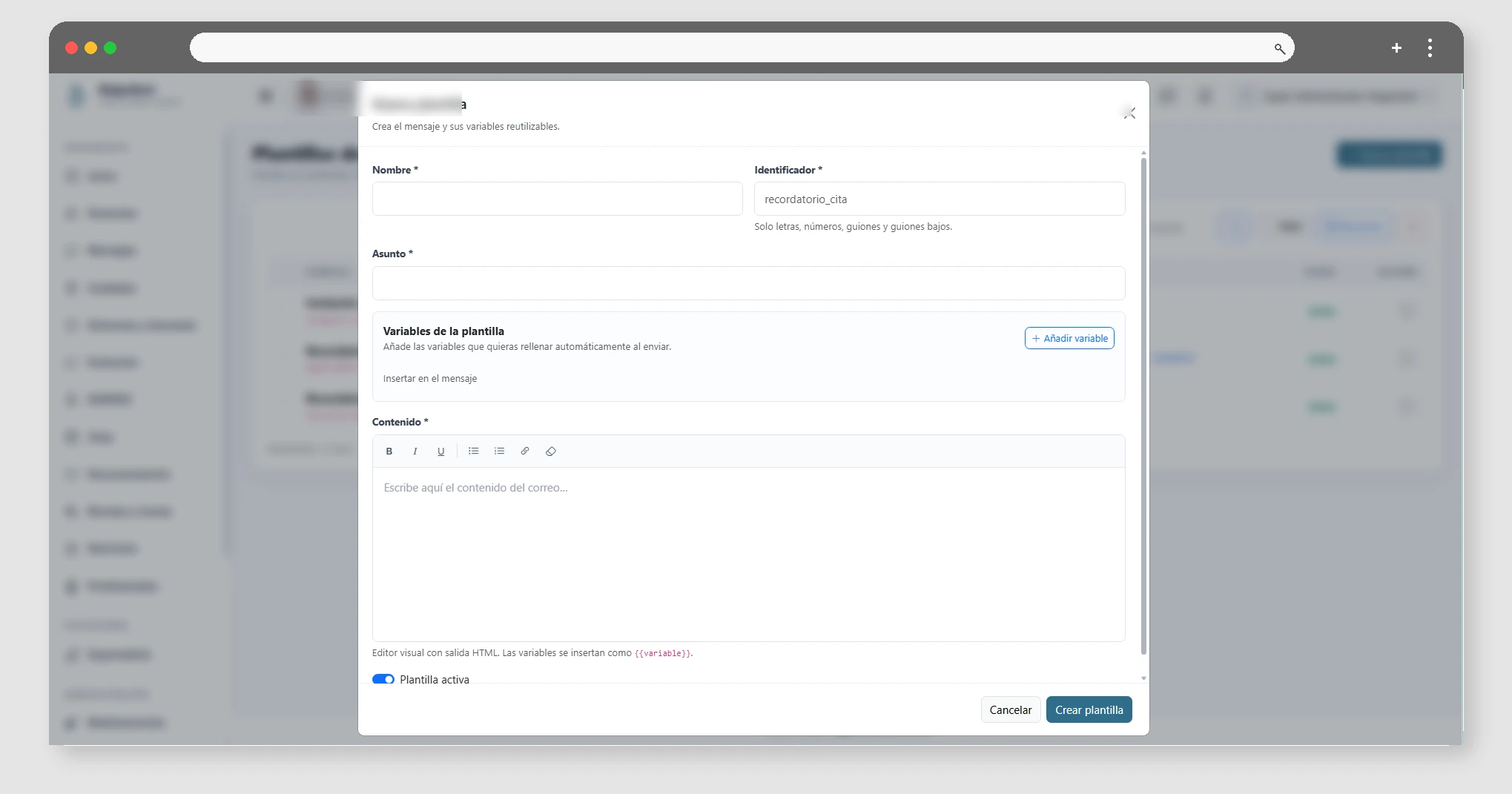
In Mail templates, you can view and edit the templates in the space. Check the available variables and submit a test where appropriate. Admin permissions are required.

Space Configuration

Available from Esencial

Adjust the general preferences and communication of the space.

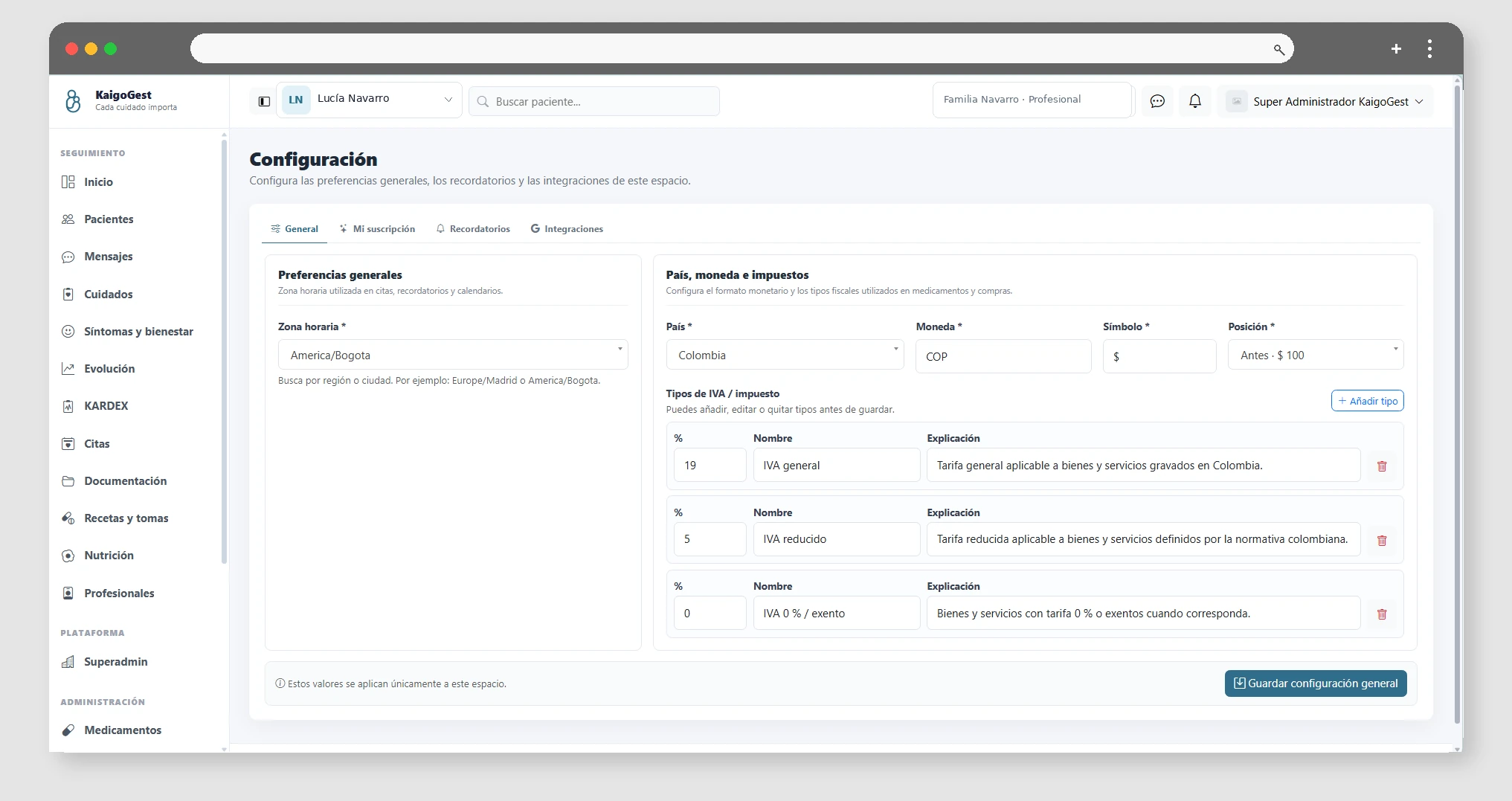
From Settings, you can review the general space data and settings. Some external integrations, such as Google Calendar, require the Professional plan even though this screen is available from Essential.

KaigoGest · Screenshot gallery